
Elementor One Review 2026: Does It Really Replace Your WordPress Plugin Stack?


Tooltester is supported by readers like yourself. We may earn an affiliate commission when you purchase through our links, which enables us to offer our research for free.
Elementor has come a long way from its origins as a drag-and-drop WordPress page builder. Launched in 2016, it quickly became one of the most widely used tools in the WordPress ecosystem. What’s more interesting is how the product itself has evolved.
Elementor began as a visual editor. Then it added Theme Builder capabilities. Later came AI tools, image optimization, accessibility scanning, and SMTP plugins. With Elementor One, these capabilities are no longer sold as separate plugins or isolated upgrades. They are positioned as a single, integrated system.
It’s important to clarify what this means.
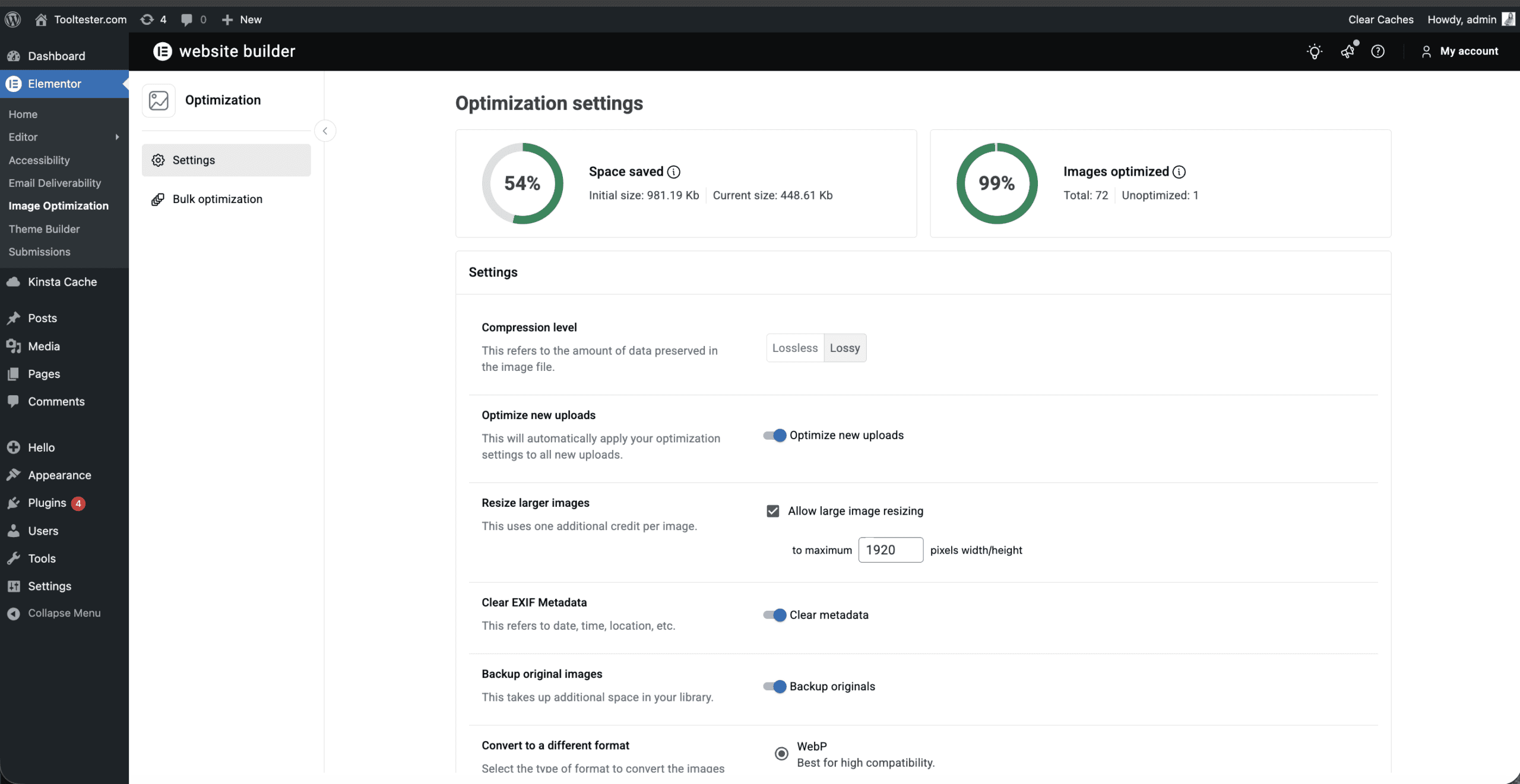
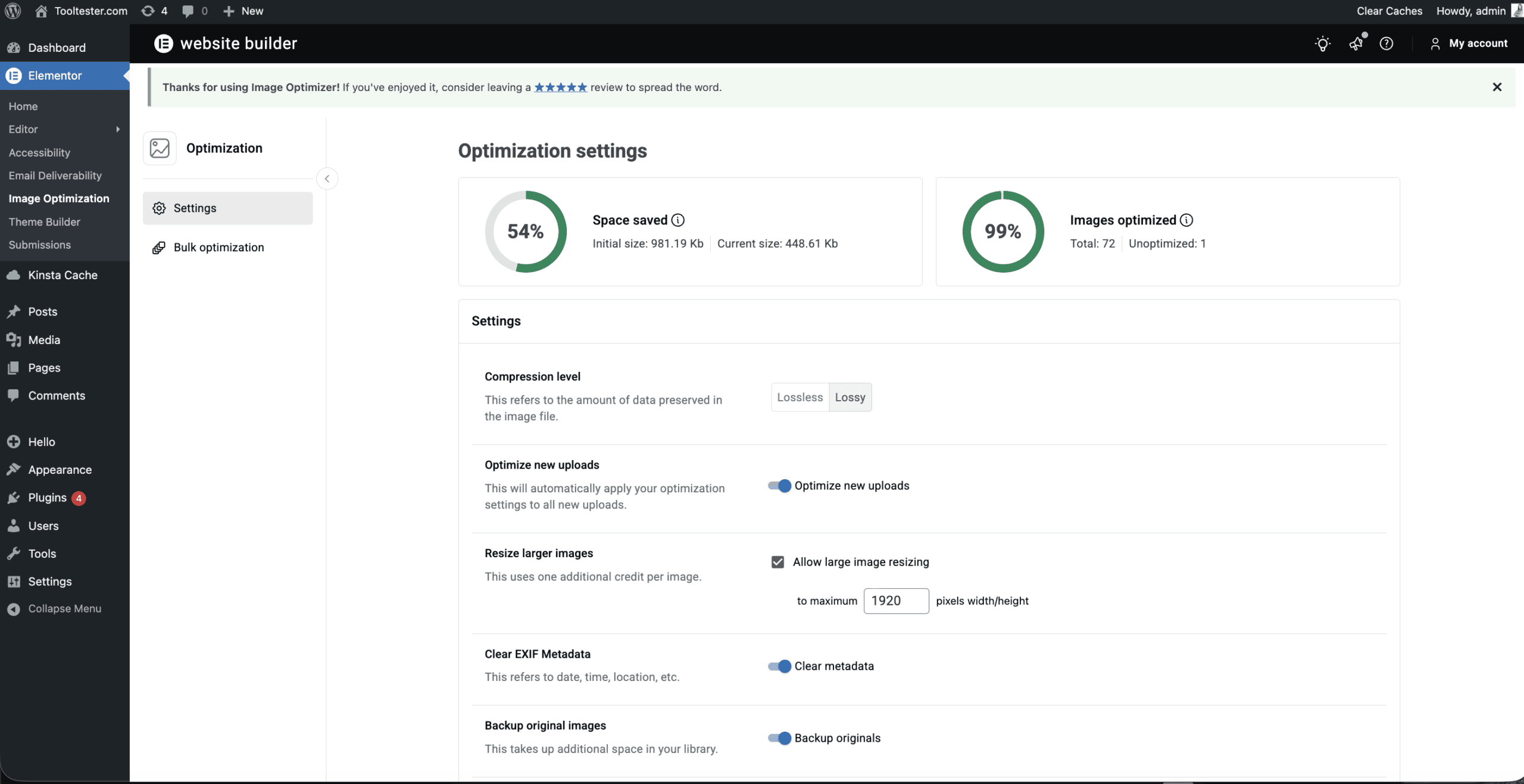
Elementor One is not simply “Elementor Pro plus a few extras.” It includes the Pro editor capabilities alongside AI tools, image optimization, accessibility features, and email deliverability infrastructure under one subscription and shared credit model.
Behind the scenes, these capabilities still function as separate plugins within WordPress. Elementor isn’t combining all capabilities into a single plugin. Rather, it’s unifying them into a consolidated experience with one subscription, one invoice, shared credits, and centralized support.
The objective is not to eliminate WordPress's flexibility. It’s to centralize workflows inside it.
That distinction matters.
WordPress remains modular by nature. Elementor One does not suddenly turn WordPress into a closed SaaS platform like Wix or Squarespace. What it attempts to do is streamline how professionals build, optimize, and manage sites - particularly freelancers and agencies managing multiple tools and client projects.
So the real question isn’t whether Elementor One offers more features.
It’s whether this unified model genuinely improves the day-to-day WordPress workflow.
After testing Elementor One - here’s how it performs.
Elementor One Review: Summary
Rather than offering a closed, fully hosted environment like Wix or Squarespace, Elementor One works inside WordPress. This means you get significantly more structural control over layouts, templates, WooCommerce pages, and custom styling — but you’ll also need to manage your own hosting (Elementor Host is available separately).
Elementor One operates on a shared-credit system for certain features, such as AI, image optimization, accessibility fixes, and email deliverability. Credits can be shifted depending on your needs — for example, using more AI and image optimization during the build phase, and more email credits once the site is live.
There is no free Elementor One plan. The subscription is split into two main offerings: Elementor One (Single) for individual site owners and freelancers, and Elementor One Agency for professionals managing multiple Elementor One websites.
If you are already comfortable with WordPress and want to consolidate your tools under one system, Elementor One can significantly streamline your workflow. However, it is not designed to be the simplest website builder on the market.
Who Should Use Elementor One?
Elementor One is best suited for:
- Freelancers building WordPress sites for clients
- Agencies managing multiple websites
- Ecommerce users who need WooCommerce customization
- Professionals who want AI tools integrated directly into the editor
- Users who prefer flexibility over simplicity
It is less suitable for:
- Beginners looking for a fully hosted, “set it and forget it” builder
- Users who don’t want to manage WordPress at all
- Projects that only require a simple brochure-style site
You can think of Elementor One less as a prefabricated house (like Wix), and more like a professional toolkit built on an existing foundation. The structure is WordPress, powerful and flexible, and Elementor provides the tools to design, optimize, and manage it more efficiently.
Videos
- Elementor One Video Review

Screenshots
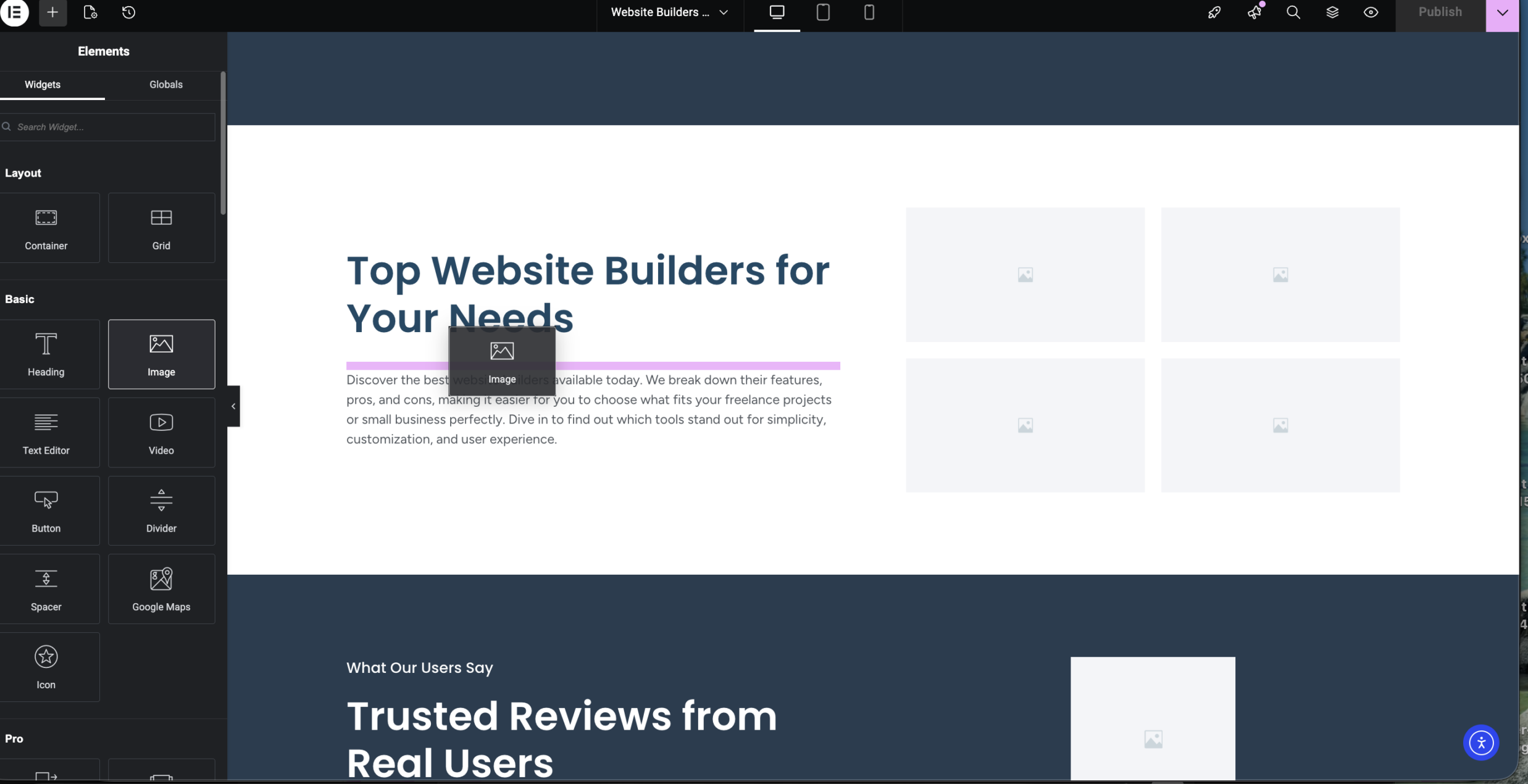
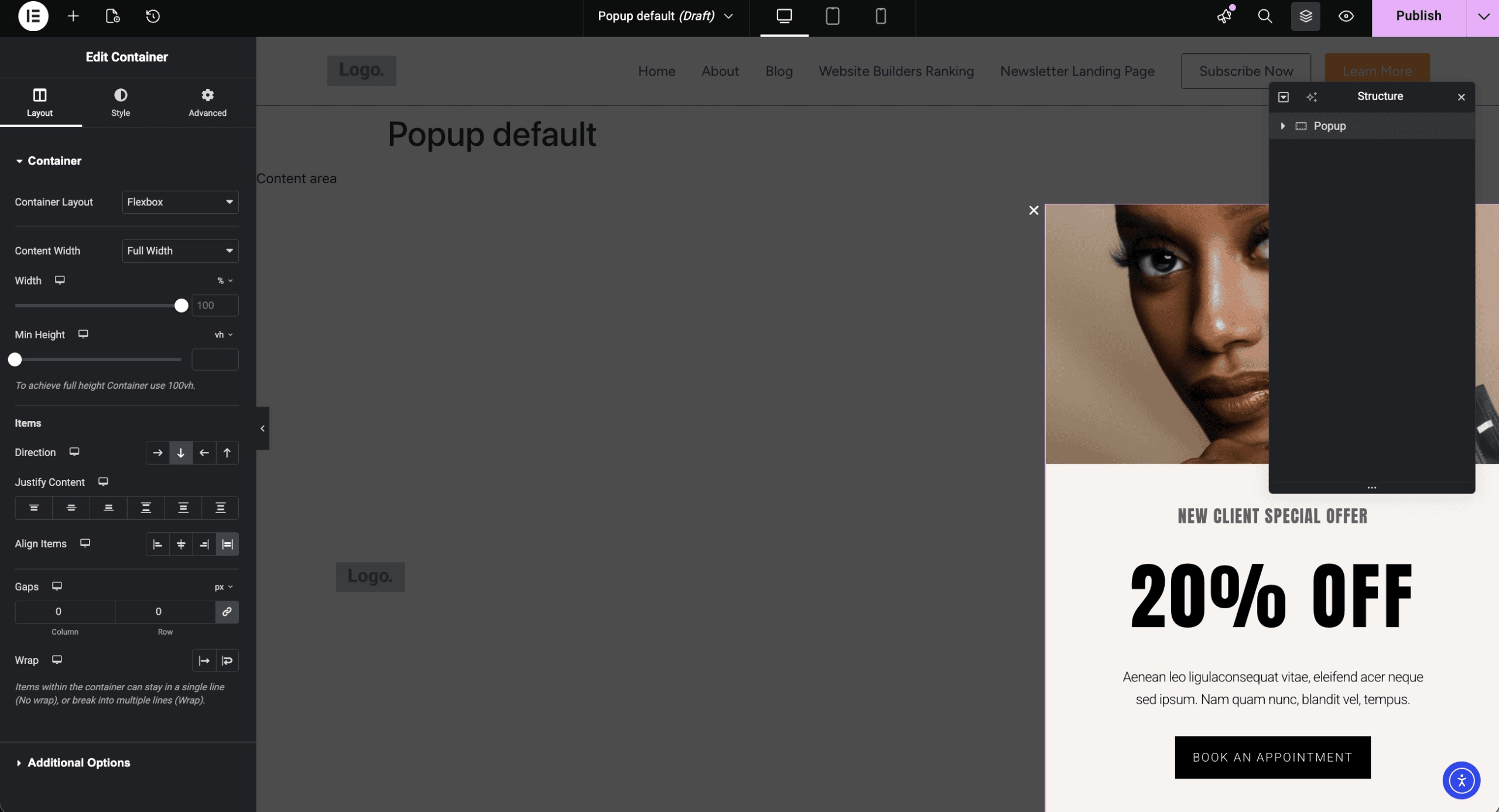
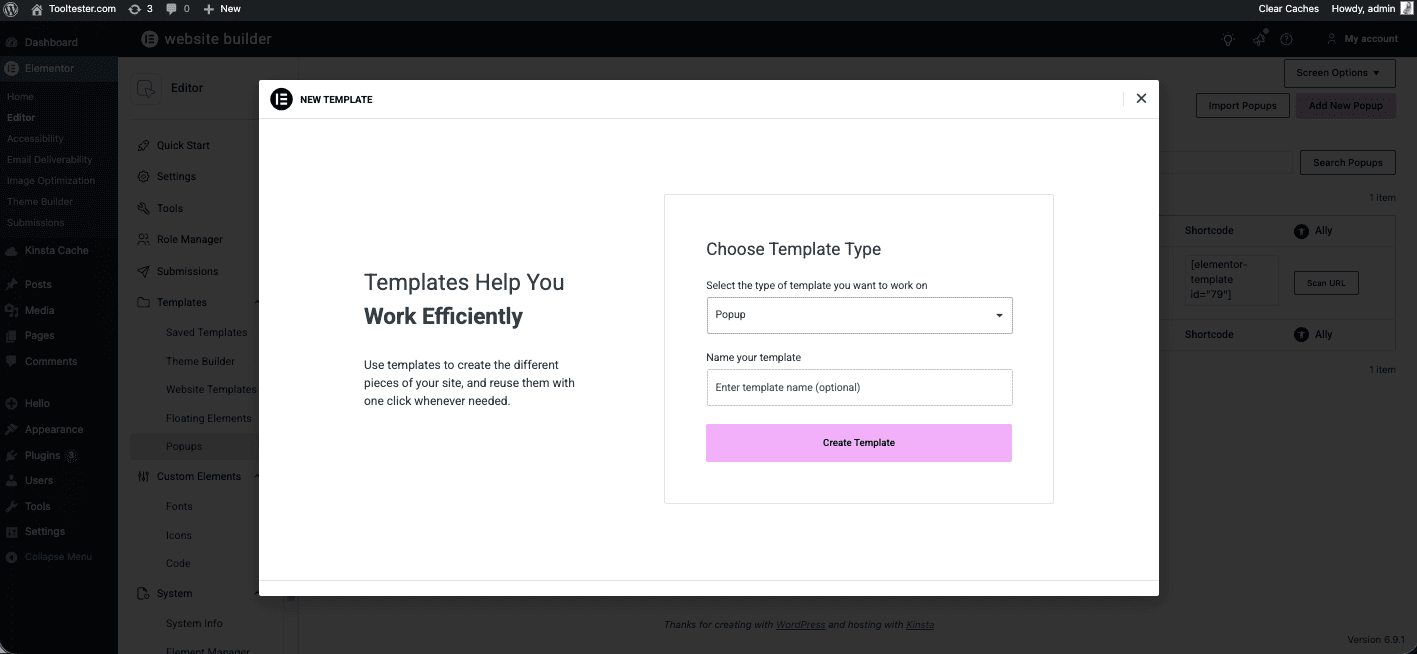
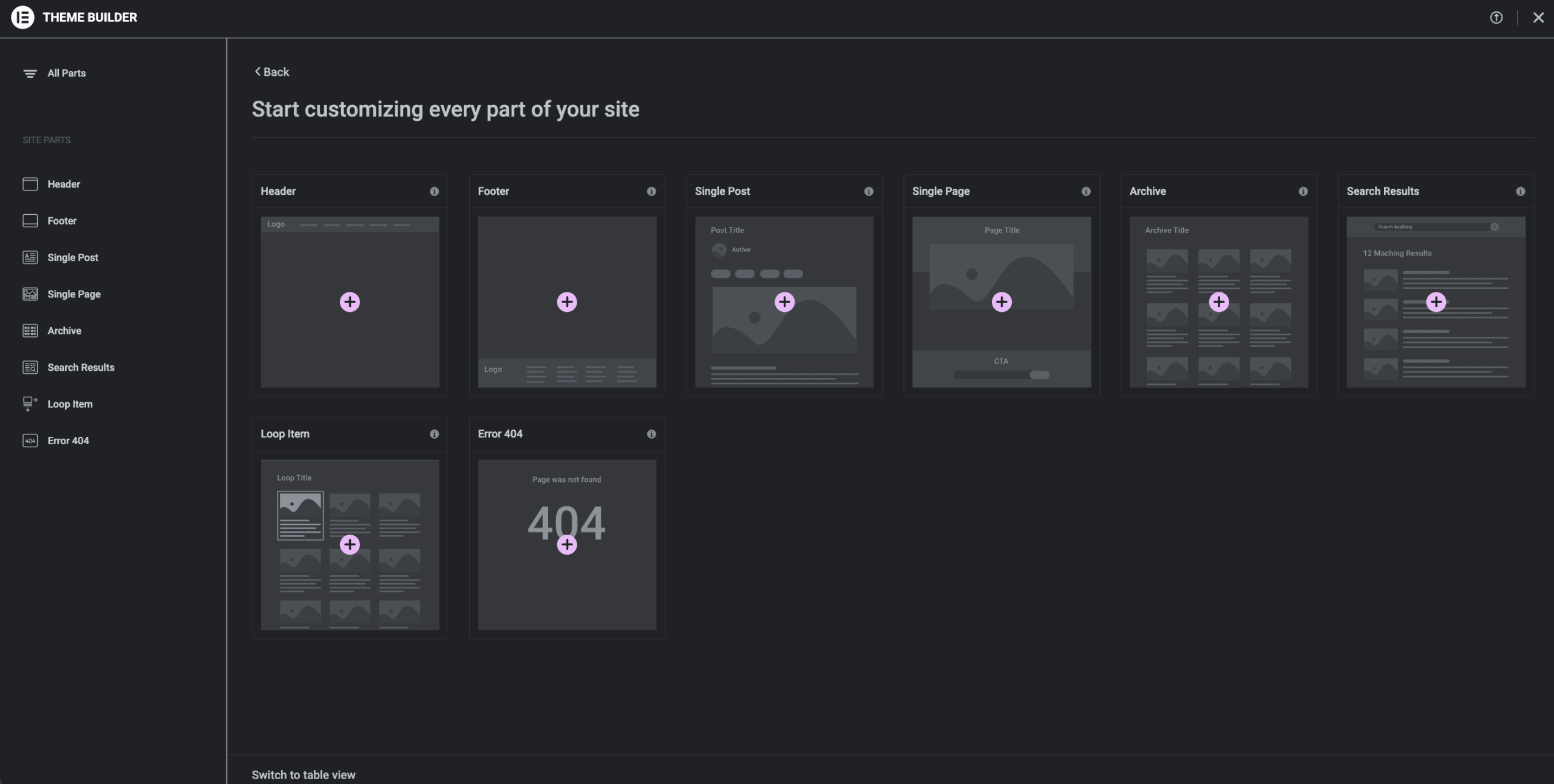









Elementor Pricing
Elementor One
All-in-one WordPress toolkit for building, optimizing and managing a single professional website $19 a month
Elementor One Agency
Complete Elementor One toolkit with higher credits and multi-site support for agencies and client projects for $45 a month
Elementor One Pricing:
What’s Included in the two core offerings:
Elementor One (Single) from $19 a month
Designed for individual site owners.
Includes:
- Full Elementor Editor Pro capabilities
- AI tools (credit-based)
- Image optimization
- Accessibility tools
- Email deliverability
- Shared credit system
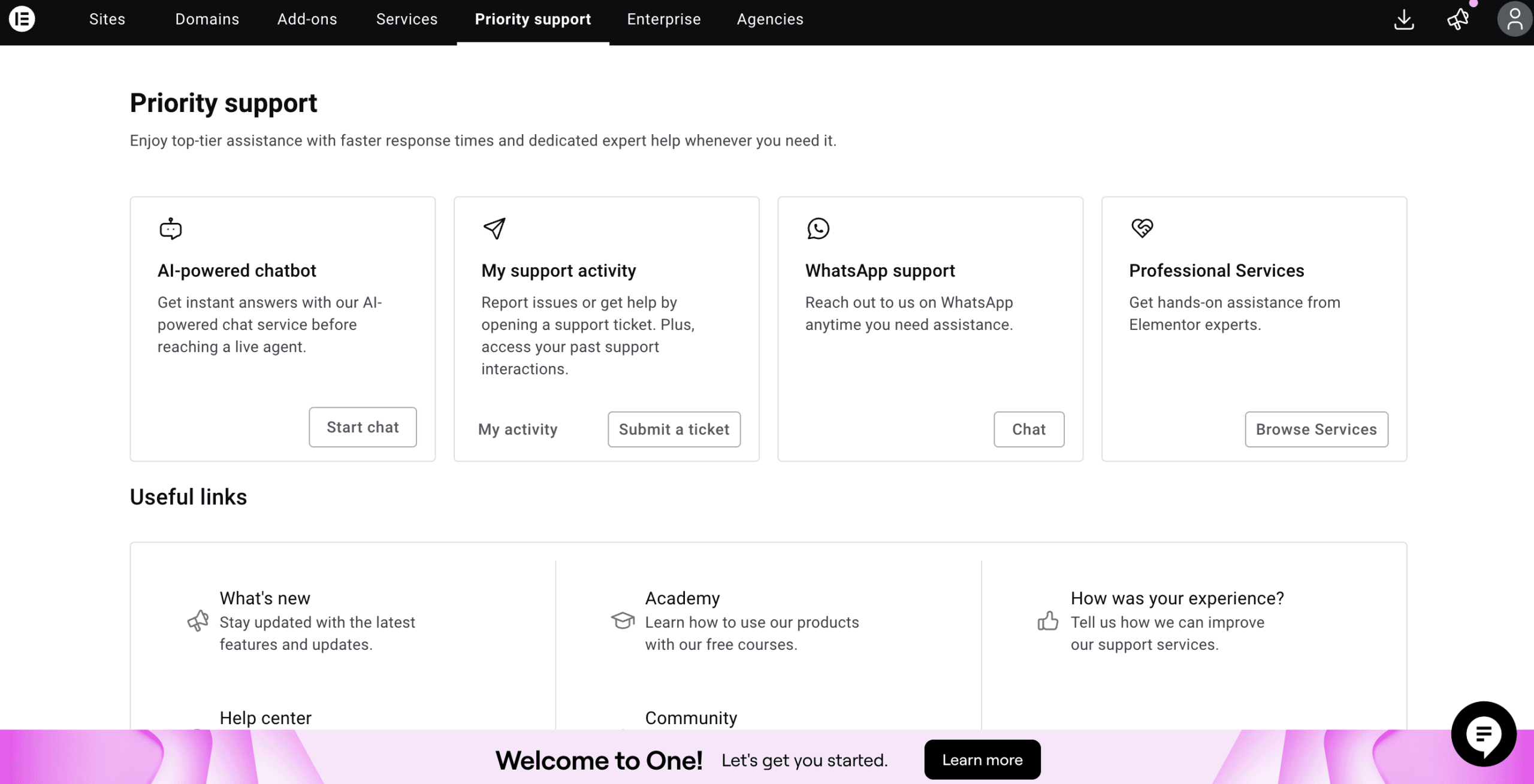
- Priority support
Best suited for: Freelancers and site owners managing their own WordPress projects.
Elementor One Agency from $45 a month
Designed for professionals managing multiple websites and client portfolios.
Includes:
- All capabilities included in Elementor One, plus:
- Higher credit allocation
- Multi-site usage
- Priority support
Best suited for: Agencies and high-volume WordPress professionals.
Elementor Pro still exists as a standalone Editor-only plugin. Elementor One includes all Elementor Editor Pro capabilities, plus additional tools such as AI tools, image optimization, accessibility features, and email deliverability. Elementor One uses a shared credit pool across supported tools. Credits are consumed automatically by AI features, image optimization, accessibility remediation, and email deliverability.
If you run out of credits before the end of the month, upgrading your plan is required.
There is no Elementor One free tier.
Pros and Cons
- Pros
- Cons
Pros
-
All-in-one workflow inside WordPress
Elementor One brings design, optimization, accessibility, AI, and email deliverability into one integrated experience. While still remaining separate plugins, they are unified under one system, one invoice, shared credits, and one support channel.
-
New features are automatically included
New features are added to the Elementor One subscriptions without requiring separate purchases.
-
Accessibility tools included
Built-in WCAG scanning and remediation suggestions are relatively rare in WordPress environments. This can be particularly valuable for agencies working with public or enterprise clients.
-
Integrated AI tools
AI tools built into the Editor support layout generation, CSS assistance, content drafting, and image generation directly within the editor. It speeds up workflows, especially for repetitive tasks.
Rating Details
Conclusion
Elementor One attempts to consolidate the website building experience by bringing together design tools, AI capabilities, image optimization, accessibility, and email deliverability under one subscription. While the integration streamlines workflow for professionals, it does not eliminate the inherent complexity of WordPress.
For users already familiar with WordPress, Elementor One can significantly reduce plugin sprawl and centralize site management. However, it still requires understanding WordPress concepts. The credit-based system may add another layer of complexity, particularly for those with fluctuating usage.
Overall, Elementor One is powerful but not the simplest builder available. It’s best suited for professionals who need flexibility and control, especially agencies or freelancers managing multiple projects. For beginners looking for a straightforward, hosted website builder, Elementor One may feel overwhelming.
Is Elementor the right website builder for me?
- Recommended If
- Not Recommended If
You build WordPress sites regularly and want all core tools in one system.
You manage multiple client projects or sites and appreciate centralized billing and support.
You need flexible design control with Theme Builder, 86 advanced widgets, and custom layouts.
You want AI tools integrated into the editor for layout generation and content support.
You value having optimization and accessibility tools included alongside the Editor.
You prefer a unified workflow over stitching together multiple plugins.
The authors
Learn more about us

THE BEHIND THE SCENES OF THIS REVIEW
This article has been written and researched following a precise methodology.
Our methodology
Comments