Join our newsletter — weekly tool picks & tips to help you work faster & better


Durable Review 2026: Is AI enough to create a professional site?


Last updated:

This article has been written and researched by our expert tooltesters through a precise methodology. Learn more about our methodology

Josep Garcia

Josep Garcia

Researcher

Tooltester is supported by readers like yourself. We may earn an affiliate commission when you purchase through our links, which enables us to offer our research for free.

What if you could launch a complete business website faster than it takes to brew a cup of coffee?

Durable claims that you can “get online in record time” by creating your website’s design and even content with its AI.

I will examine this AI-based website builder, used for more than 3 million users, to see if it’s as efficient as they claim, or a tool you should avoid.

Durable Review Summary

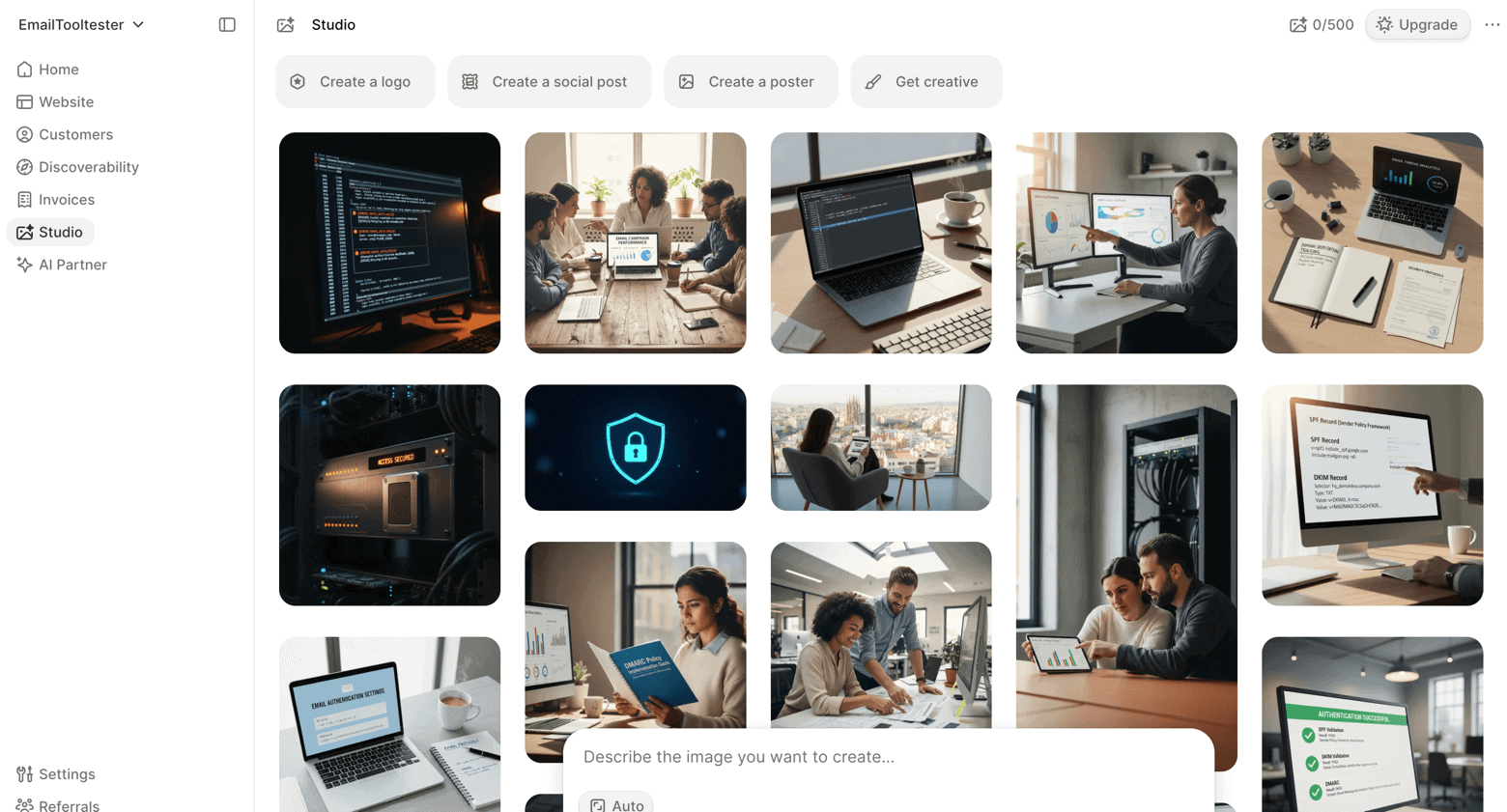
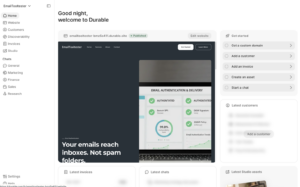
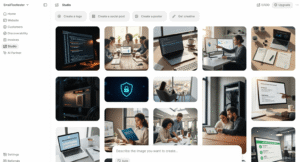
When I tested Durable, what stood out most was how easy and fast everything felt. The dashboard is clear, the navigation makes sense, and I always know where to click next. That kind of simplicity is great for beginners. I also like that AI assistants are integrated throughout the platform, helping with content, image creation and more.

I also see it as a very basic website builder rather than a full website platform. It comes without a blogging system or ecommerce features, so I’d mainly recommend it for businesses that just need to get online quickly and don’t rely heavily on their website for growth.

Screenshots
Durable Pricing

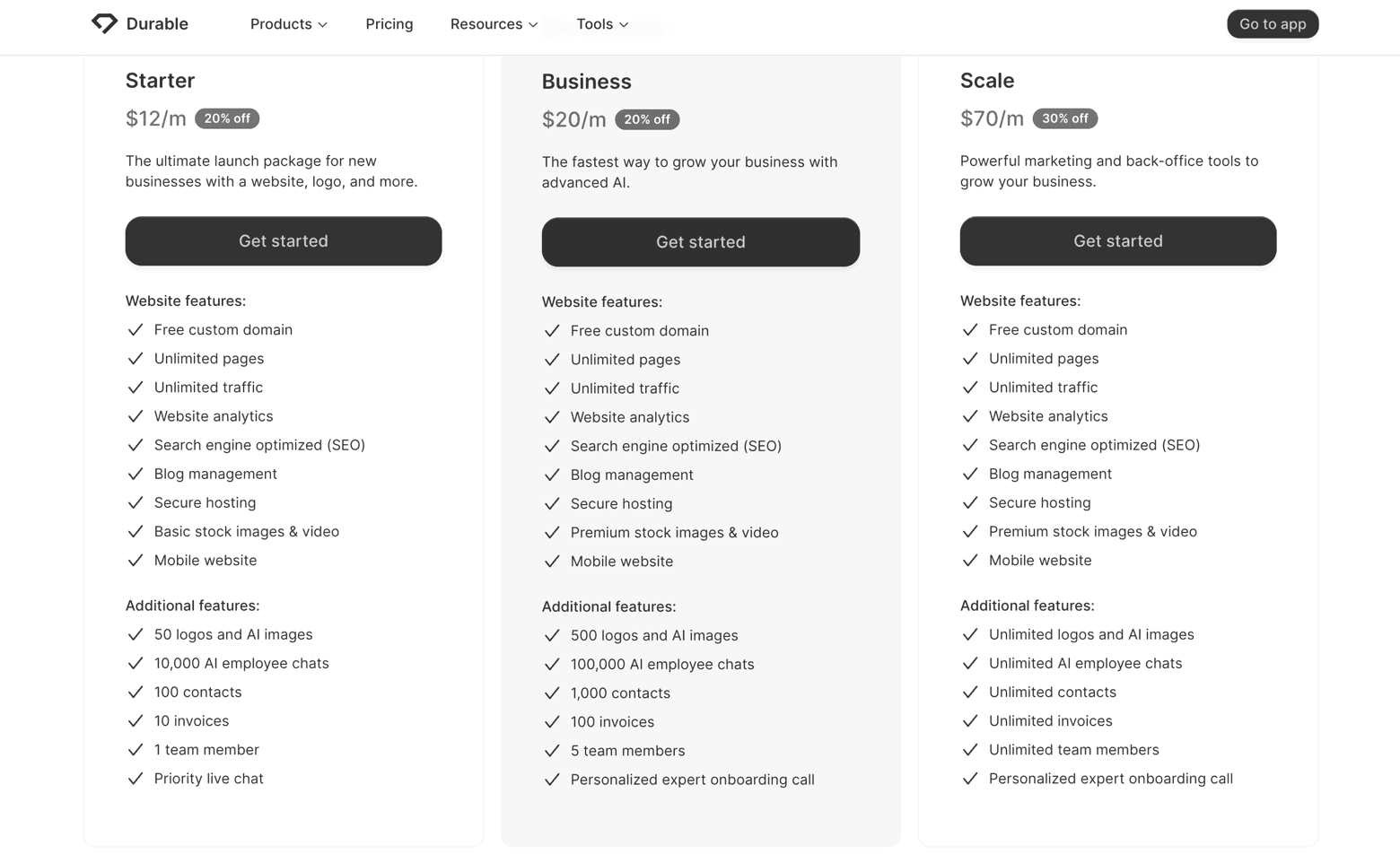
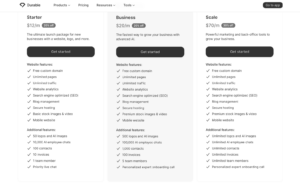
$0

Free

You can publish your site in a Durable.site subdomain. You get 5 image generations each month and 10 AI messages.

$22

Launch

Adds 50 extra image generations per month and 1,000 AI chat messages, and lets you connect your own domain name.

$85

Grow

Up to 500 images per month, unlimited AI messages, and guided onboarding.

Monthly prices are based on 1-year contracts; Domain name registration is included for free.

Pros & Cons of Durable

  • Pros
  • Cons

Pros

  • Fast and simple setup

    Durable’s AI produces a complete website in a couple of minutes from a few initial inputs. Signing up is quick, and the free plan does not require a credit card.

  • All‑in‑one platform

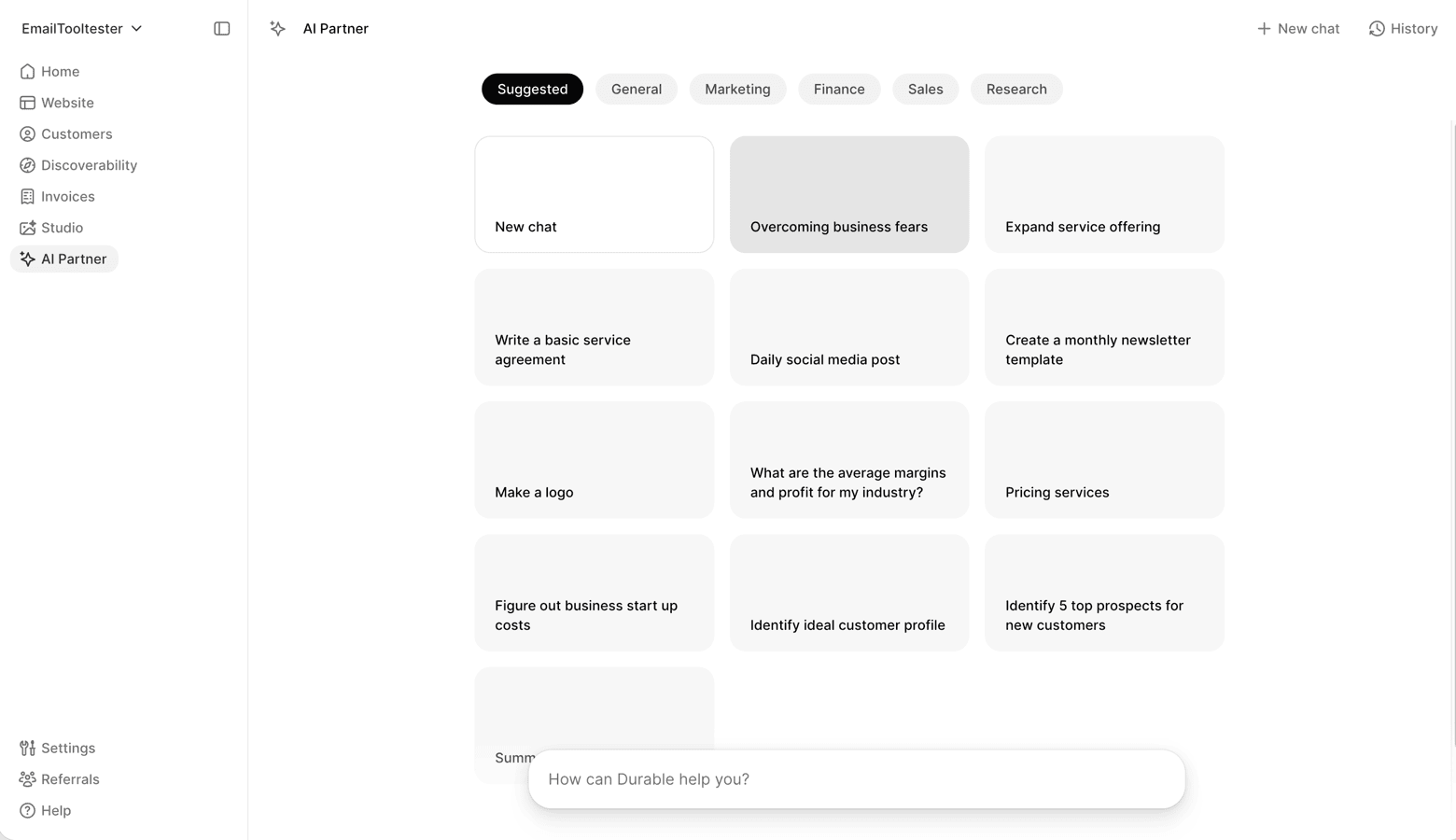
    The subscription bundles a website builder with a very simple CRM, invoicing features, and integrated AI assistants based on ChatGPT 4. This saves time and money for small businesses that would otherwise need multiple services.

  • Generous free tier

    Even the free plan offers unlimited pages, a subdomain to publish your site, hosting, and up to 5 AI‑generated images each month. Paid plans add a custom domain and more AI credits.

  • Mobile‑friendly designs

    Sites are responsive by default. You can change global colors and fonts without touching code, and switching templates does not erase your content.

Rating Details

Ease of use Info popup

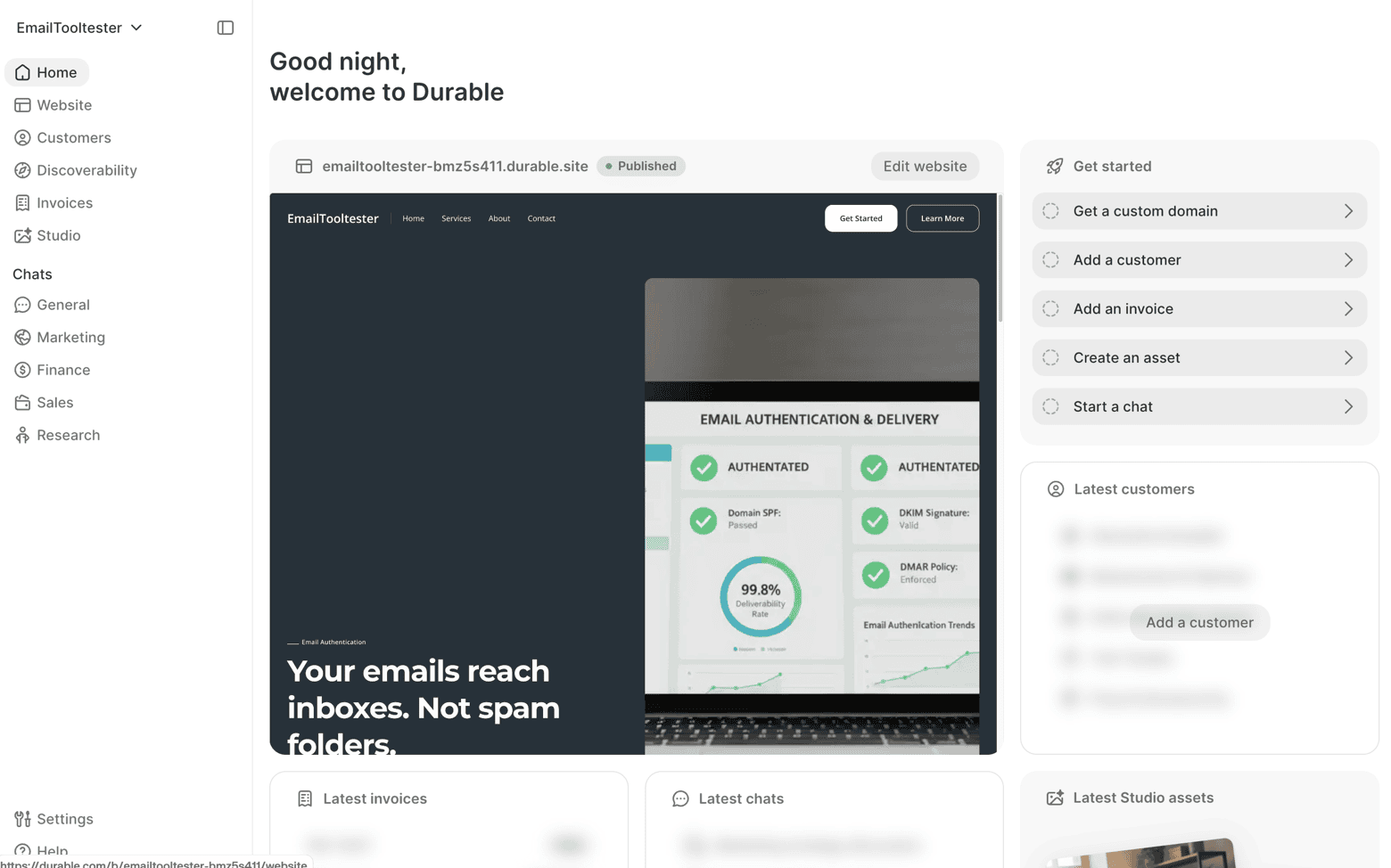
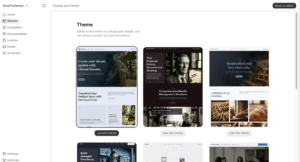
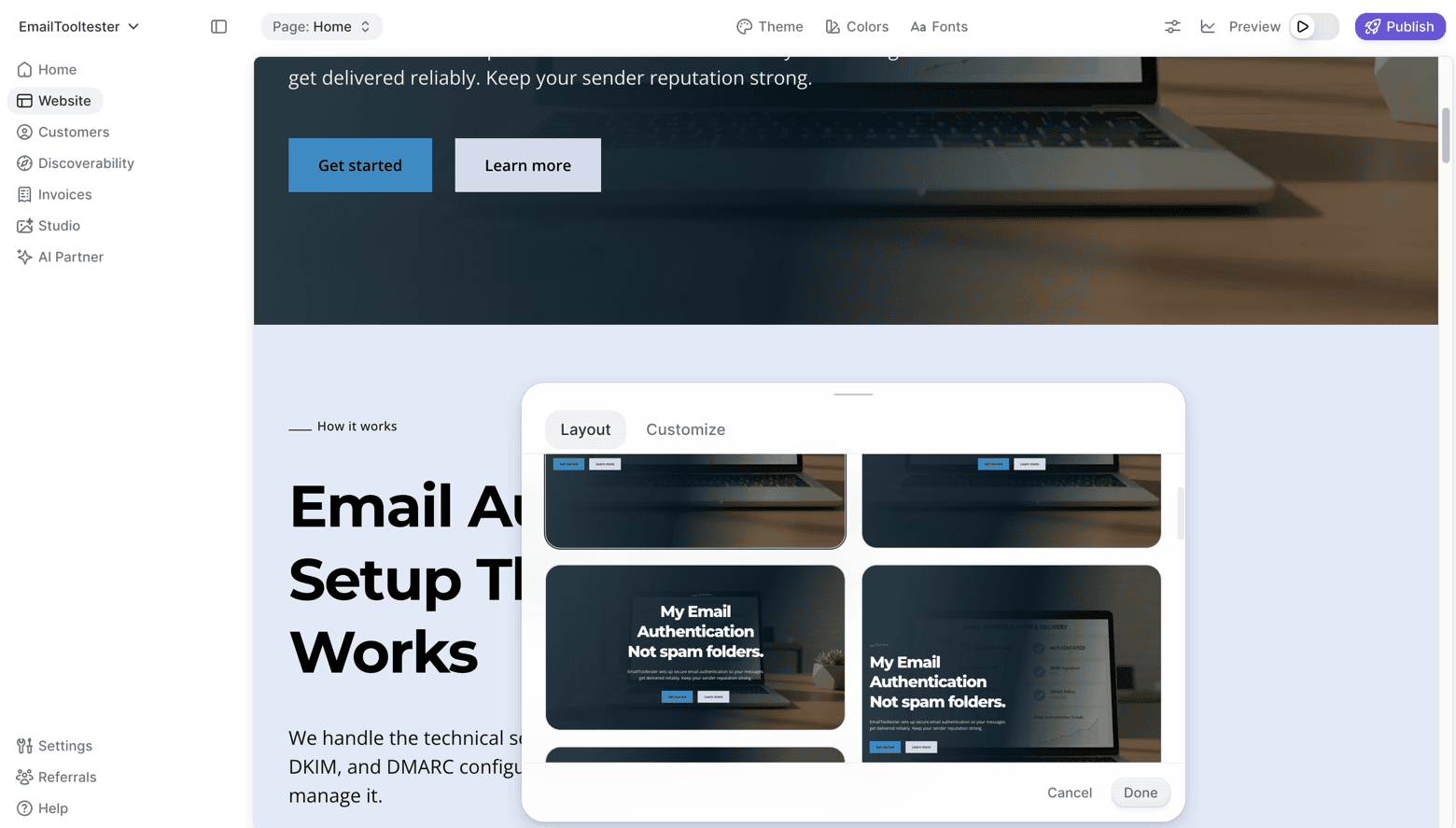
Durable’s biggest strength is simplicity. After entering your project details, the AI generates a complete website, with images and a layout roughly adapted to your project. Its dashboard is intuitive, and I never felt lost. The editor is also simple to use and fast.

Choice and flexibility of design (templates) Info popup

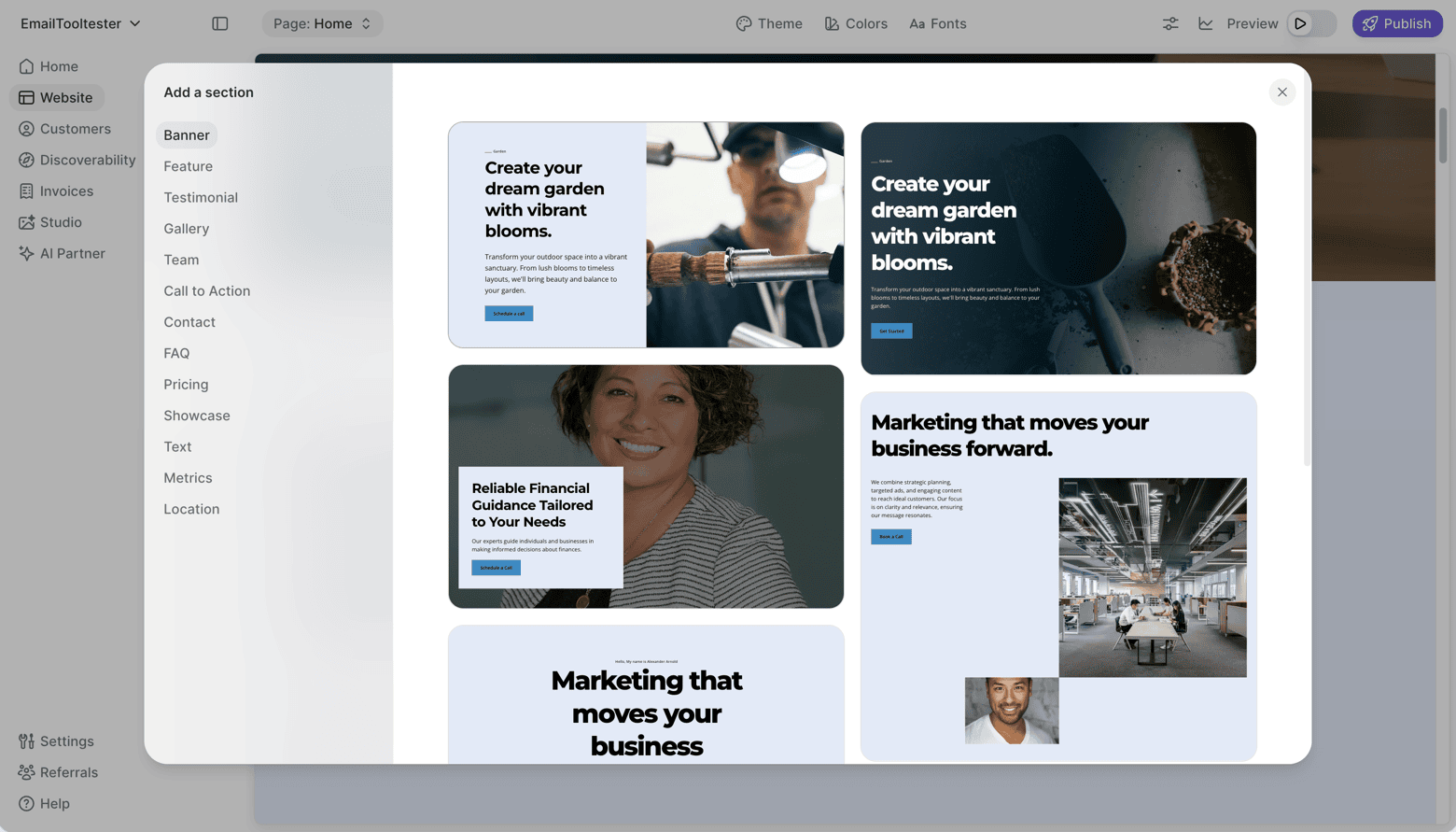
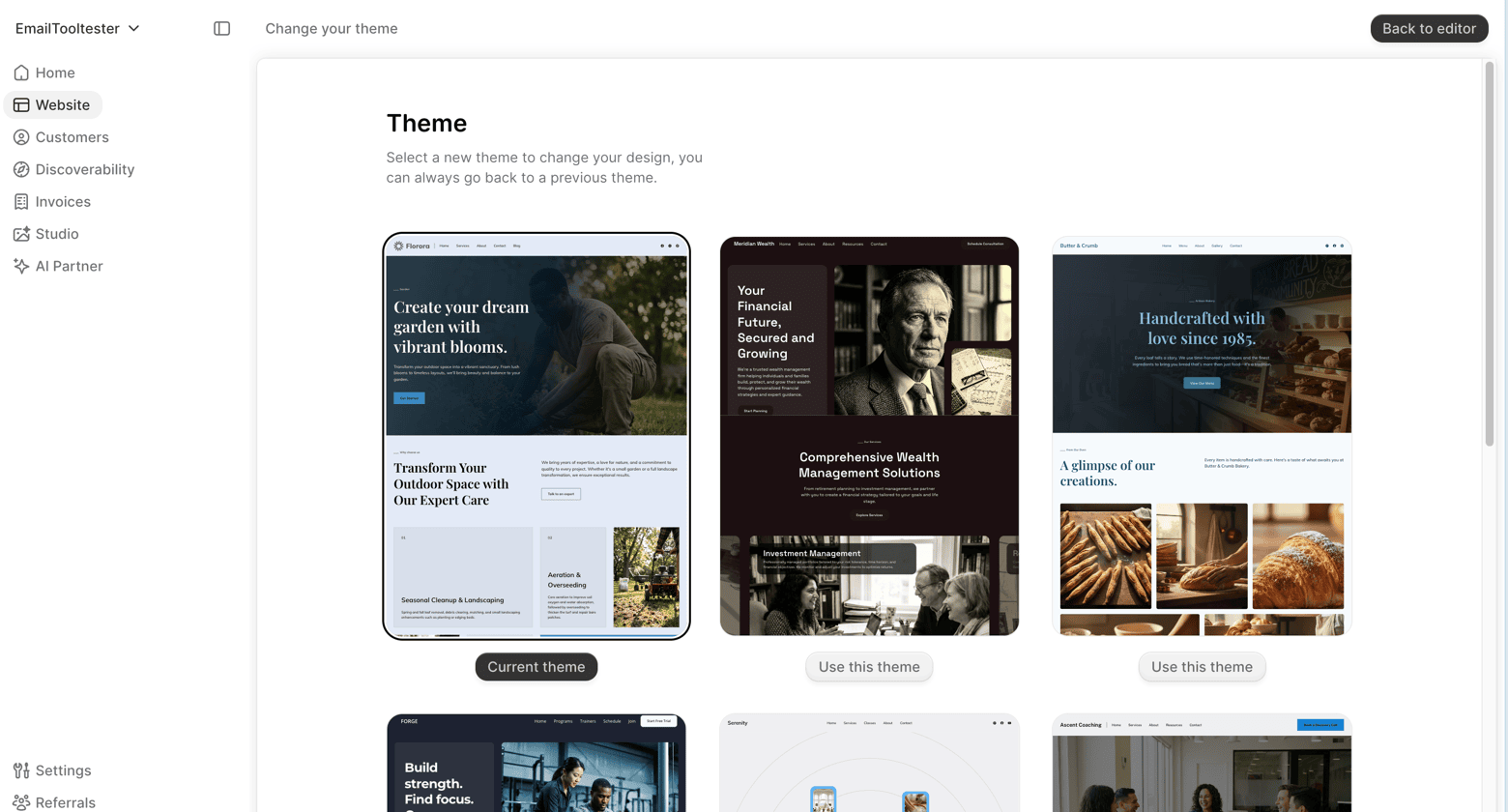
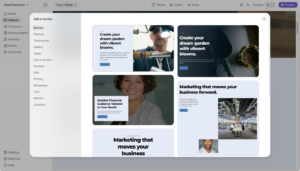
There aren’t many templates to choose from, and Durable’s layout is at times a bit rigid – for example, you cannot add all the fields you want to a form or move elements like images or text boxes freely.”

Advertisement-free Info popup

All paid plans are ad-free.

Languages Info popup

The editor interface itself is only available in English, but Durable’s help centre and documentation are translated into German, Spanish, and a few other languages. To create a multilingual site, Durable recommends using third‑party translation services such as GTranslate or Weglot, which is not the ideal way to approach this. You can, however, have your site in any language you want, and it even accepts non‑English characters (for example, Chinese or Thai scripts).

Your own domain name (e.g. .com or .net) Info popup

You can connect your own domain name with paid plans. Free-tier users will get a free subdomain, such as https://your-project.durable.site.

Depth of navigation Info popup

The main navigation supports one level of sub‑pages; deeper hierarchies are not available, so large sites require thoughtful organization.

Widgets (small tools to add extra functionality) Info popup

Durable integrates several pre‑configured AI chat assistants (for example, companions for SEO or marketing questions) into the dashboard. It offers some basic integrations with third‑party apps like Calendly, WhatsApp, Google Reviews, and Instagram feeds. However, integrating other external tools, such as an email marketing platform or a live chat service, can be tricky.

Mobile App Info popup

  • iOS
  • Android

Durable currently operates through its web interface; there is no dedicated iOS or Android app.

E-Commerce Info popup

Durable is not designed as a full online shop. It lacks shopping‑cart functionality, product catalogues, inventory management and tax calculation. You can accept payments through Stripe by adding simple payment buttons.

Search Engine Optimization (SEO) Info popup

You can change page slugs, SEO titles and meta-descriptions. However, more advanced SEO controls (such as customizable H1‑H6 headings, schema markup or 301 redirects) are limited. For complex SEO campaigns you might need custom code or external platforms.

Blog

It doesn’t ship with a blog.

Visitor statistics Info popup

Durable offers basic analytics on traffic and engagement through its dashboard. For deeper insights, you can embed Google Analytics or other tracking scripts in the header or footer using the custom code feature.

Contact form

The AI generator automatically adds a contact form to new websites. There are a few form layouts available, but the customization options (for example, changing the layout) are limited. You can remove fields from a form, but you cannot add new ones.

Password protection & member areas Info popup

Durable does not currently provide password‑protected pages or membership areas.

Newsletter tool Info popup

There is no built‑in newsletter or email‑marketing system. You can collect leads via the contact form and export them to an email marketing platform like Brevo or MailerLite.

Add HTML code Info popup

Durable allows you to embed custom HTML, CSS, or JavaScript code. You can paste code snippets into the head or footer of your site or pages, but you will not be able to access your website’s source files.

Storage space

Unlimited

All paid plans include unlimited storage space and bandwidth. However, each of your pages won’t be able to have more than 20 sections (e.g. navigation, header hero section, testimonials, form, etc.).

Backups & Restore Info popup

Doesn’t offer a system to create backups.

Support

  • FAQ
  • Chat
  • Email
  • Telephone

Support is available via email and live chat. The knowledge base contains numerous how‑to articles. The AI customer support bot is mostly helpful.

Fun Factor Info popup

Starting with Durable is very easy and quick – in two or three minutes you have a first version of your website. The editor works well and is easy to follow. There are, however, a few limitations that take points from the experience, such as limited design options, the lack of a blog, and the absence of a full ecommerce system.

Overall Rating

3.6

Durable is an easy‑to‑get‑started website builder that lets you go from zero to a first page in just a few minutes. It is also a commendable effort that they have added simple AI assistants to help with marketing, SEO, and similar questions, although these do not actually perform tasks for you. With further features such as ecommerce, more integrations, and a proper blog, Durable could become a more rounded product.

Conclusion

Durable impressed me with its speed and ease of use, offering a frictionless experience from sign‑up to final edits. The integrated AI assistants for content and images make building a site a bit more efficient and fun, and I appreciate that templates are responsive and clean.

However, its website builder is rather limited, and advanced users will miss core features like an integrated blog with a commenting system or the ability to create a functional ecommerce.

Durable is a solid choice for getting a basic website online quickly with minimal effort. If your website is a critical channel for marketing or sales, though, a more full‑featured website builder will likely be a better fit.

Is Durable the right website builder for me?

  • Recommended If
  • Not Recommended If
  • Run a service‑based small business (consulting, coaching, photography, cleaning) and want to start a portfolio quickly.

  • Prefer a single subscription that bundles a website, a simple CRM, and an AI-assistant for basic questions.

  • You want your website handled for you, and it is not your main channel for getting clients.

  • Need a free website and would like to generate a few images with AI, limited to 5 per month.

The authors

Learn more about us


Charlotte Evans

Content Manager

Hey, I'm Charlotte! I've always been enthusiastic about helping others. After working for various tech startups and eCommerce businesses, I developed a strong passion for email marketing. Now, at EmailTooltester, I'm putting this knowledge to good use by recommending the very best digital tools for your business.

Josep Garcia

Content Manager

Hi there, I’ve been testing digital tools for over a decade, always looking for smarter ways to save time and simplify work. I also write the weekly newsletter, sharing useful tools, automation ideas, and honest insights to help creators and solopreneurs focus on apps that actually work.

Learn more about us

THE BEHIND THE SCENES OF THIS REVIEW

This article has been written and researched following a precise methodology.

Our methodology

Comments