
Remixer (DreamHost) Review: How powerful is its AI website builder?

Tooltester is supported by readers like yourself. We may earn an affiliate commission when you purchase through our links, which enables us to offer our research for free.
DreamHost has been around for decades in the online world, so it’s no newcomer when it comes to building and hosting websites. In March 2026, they launched a brand-new version of Remixer, their own AI website and app builder.
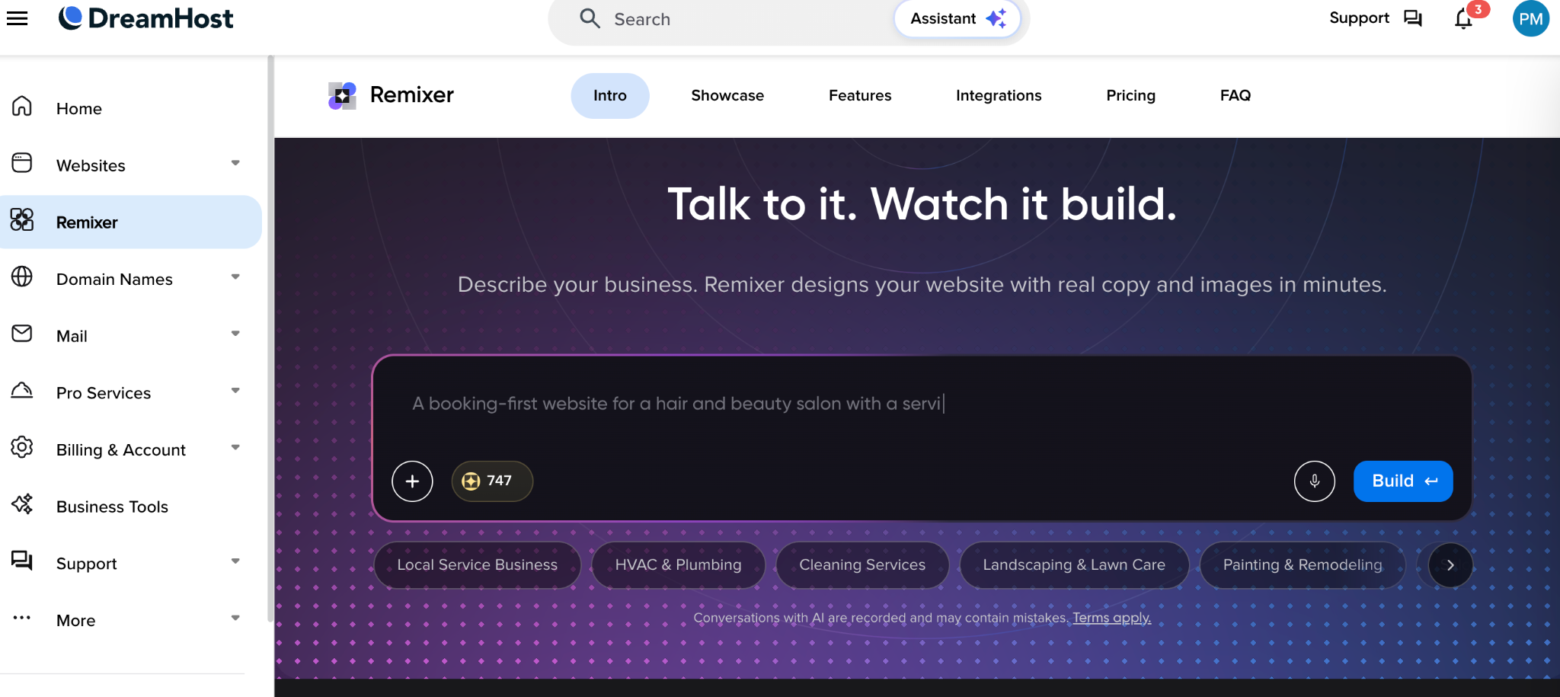
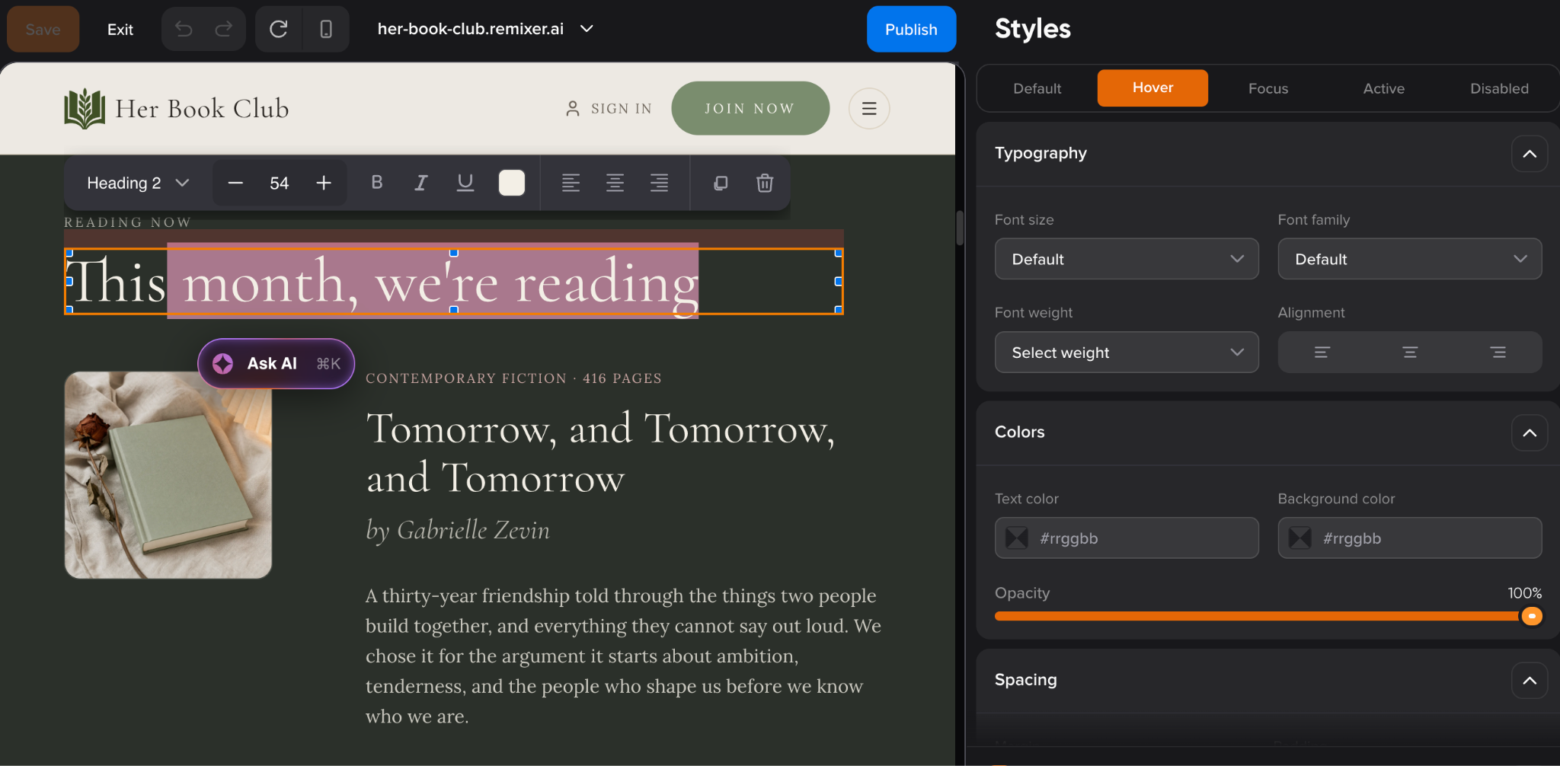
Instead of choosing a template and building your pages section by section manually, you can simply describe the website you want and Remixer generates the initial pages, layout, copy, design and images for you - all of which you can subsequently edit
Plus, the platform hasn’t stopped at websites.
Since its launch, DreamHost has expanded Remixer with the ability to build full web applications, including features such as databases, user accounts, file storage, forms and payments. More recently, it has even added the ability to build websites from uploaded PDFs, CSVs, Markdown and text files.
So, as you can see, Remixer is not simply a quick way to get an AI-generated homepage online. And that makes it an interesting one to take a closer look at.
We’ve tested Remixer to see just how far it can take your project – and how it compares with the growing number of AI tools promising to build a website for you.
Remixer Review: Summary
Remixer is DreamHost’s AI-powered website builder, built for people who want to get a professional-looking website online without having to deal with the technical side of website and app building. It combines AI-generated layouts and content with visual editing tools and DreamHost hosting, so most of what you need is handled in one place.
Unlike WordPress-based builders such as Elementor, Remixer is a fully hosted platform. You don’t need to install WordPress, manage plugins, update themes, or worry about the underlying hosting setup. That makes the whole process simpler, particularly if you’re building your first website, but it also means you give up some of the flexibility and control you’d get from a WordPress-based setup.
The AI tools are primarily there to help you get started. You can describe your business or website and have Remixer generate a starting point for the design and content, rather than having to build everything from a blank page. This can make the initial setup much faster, although the generated content and layouts are still best treated as a starting point if you want the site to feel more customized.
Simplicity is really the main selling point here. Since Remixer is part of the DreamHost ecosystem, you can handle the website and hosting through the same provider instead of putting together a collection of separate tools. For a straightforward business site, portfolio, landing page, or informational website, that can make the process considerably easier.
There is a free trial, but publishing your site requires a paid plan. The platform is primarily aimed at individuals, freelancers, small businesses, and anyone who wants to build a website without spending a lot of time learning how websites work behind the scenes.
If you want something quick and relatively hands-off, Remixer is an appealing option. It isn’t trying to compete with WordPress when it comes to deep customization or advanced functionality. Instead, it focuses on making the process of going from an idea to a live website as simple as possible. For users who value ease of use over complete control, that trade-off makes sense.
Who Should Use Remixer?
Remixer is a great fit for:
- Small business owners on a budget (and with busy schedules!) who need a quick solution to get a good, professional site up and running, without wrestling with design choices or technical details.
- Complete beginners who would much rather explain what they want and visualize the result than deal with the learning curve of complex editors and manual website builders.
- Creators and non-techy users who want the full package—hosting, domain, security, and content—handled under one roof.
Remixer might not be the best option for you if:
- You want complete control over every detail and enjoy spending time tweaking and fine-tuning your site.
- You're a hands-on power user who wants to write custom code, tweak raw CSS, or manage complex database settings.
- You need a massive, highly complex web app with deep backend customization or intricate third-party database integrations.
To put it simply, while other builders might feel like a heavy-duty box of professional power tools, Remixer feels more like hiring a skilled professional to get the job done quickly for you.
Your role is to explain the vision you're going for, and Remixer handles the process for you. All that's left is to review the details, make any small adjustments, and get your site ready to go live.
Screenshots
Remixer Pricing
Free 30-day Trial Access
No credit card requird. Designed for zero-risk testing and layout generation.
Key Capabilities:
- Standard AI generation features
- Initial set of introductory AI credits
- Site previews on a remixer.ai staging subdomain
Build Tier ($9.99/mo)
Starting at $14.99/mo (month-to-month billing). Or $9.99/mo (annual billing).
- Designed for launching, maintaining, and scaling live websites and web applications.
Remixer allows users to try the builder for free and the trial is recommended for beginners exploring the platform’s creation flow. It provides a one-time bundle of AI credits. Every AI prompt consumes credits, but the free allowance is enough to generate an initial draft and test out the platform. Plus, manual edits are unlimited and free, so you don’t need credits to use the visual editor. This means you can keep working on your website even if you run out of AI credits.
More about the Build plan:
Remixer offers an additional one-time 1,000-credit bonus during the first paid month. You can also purchase additional credits if you have an active Remixer plan, and use them within the next 6 months. Your regular monthly credits, however, expire at the end of each billing cycle and do not roll over.
Key Capabilities:
- 1,000 recurring AI credits per month (covers automated design prompts, AI rewrite commands, and media generation)
- Native web hosting and custom domain attachment, with SSL and a global CDN included
- Unlimited visual editing (manual text typing, style updates, and standard photo swapping at no cost)
- Built-in database and public/private file storage
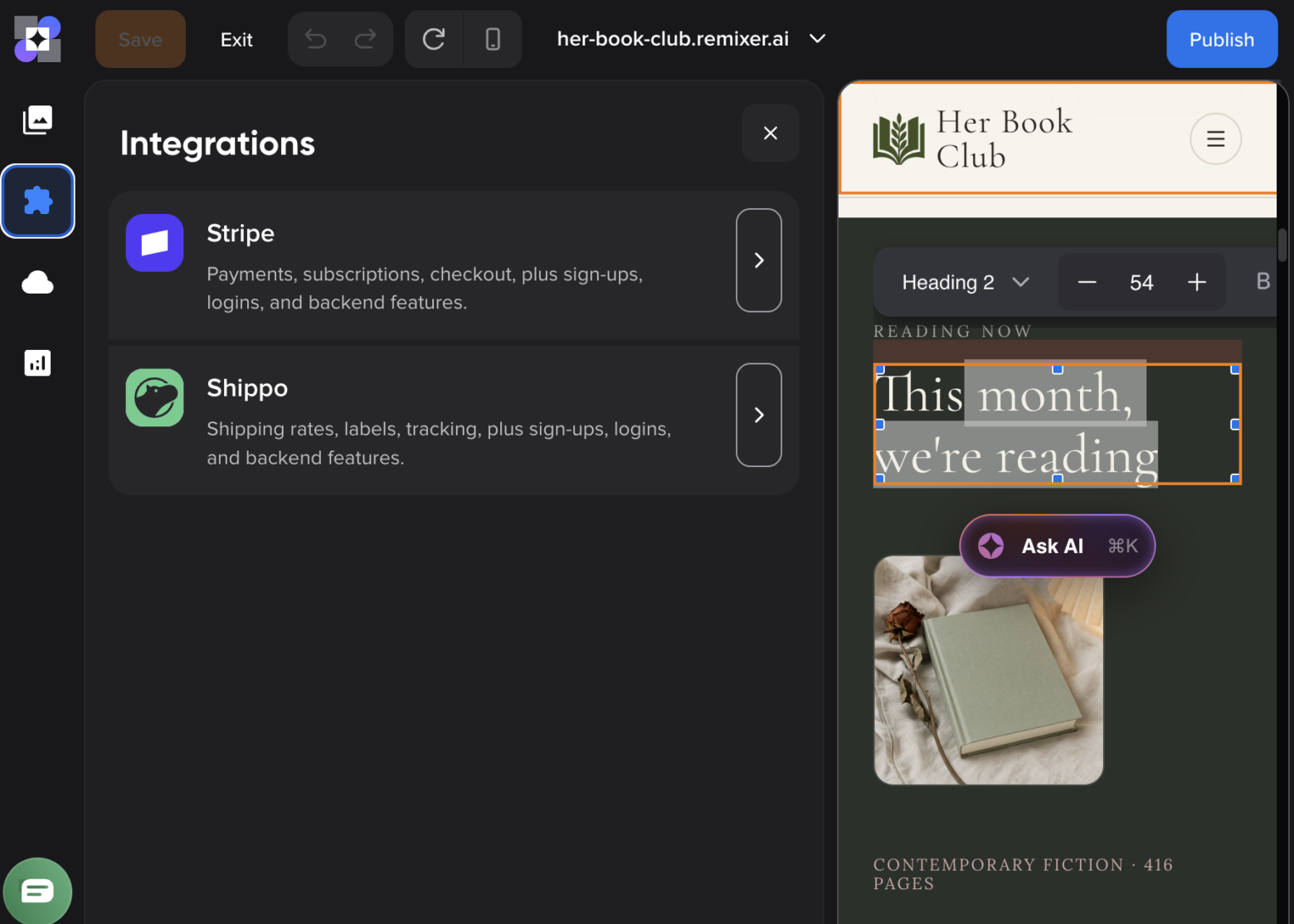
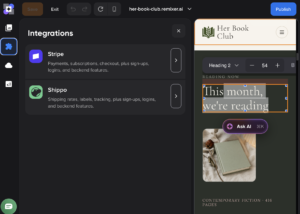
- Direct integrations with Stripe for checkout and Shippo for fulfillment
- Ideal for: Entrepreneurs, freelancers, and small businesses looking for a fast, no-code web launch.
Remixer operates as an all-in-one AI website, web app builder and web host. Introductory trial credits expire when you transition to a paid plan, although you do receive the aforementioned 1,000 bonus credits during your first month on the paid plan.
Pros and Cons
- Pros
- Cons
Pros
-
Very easy website creation
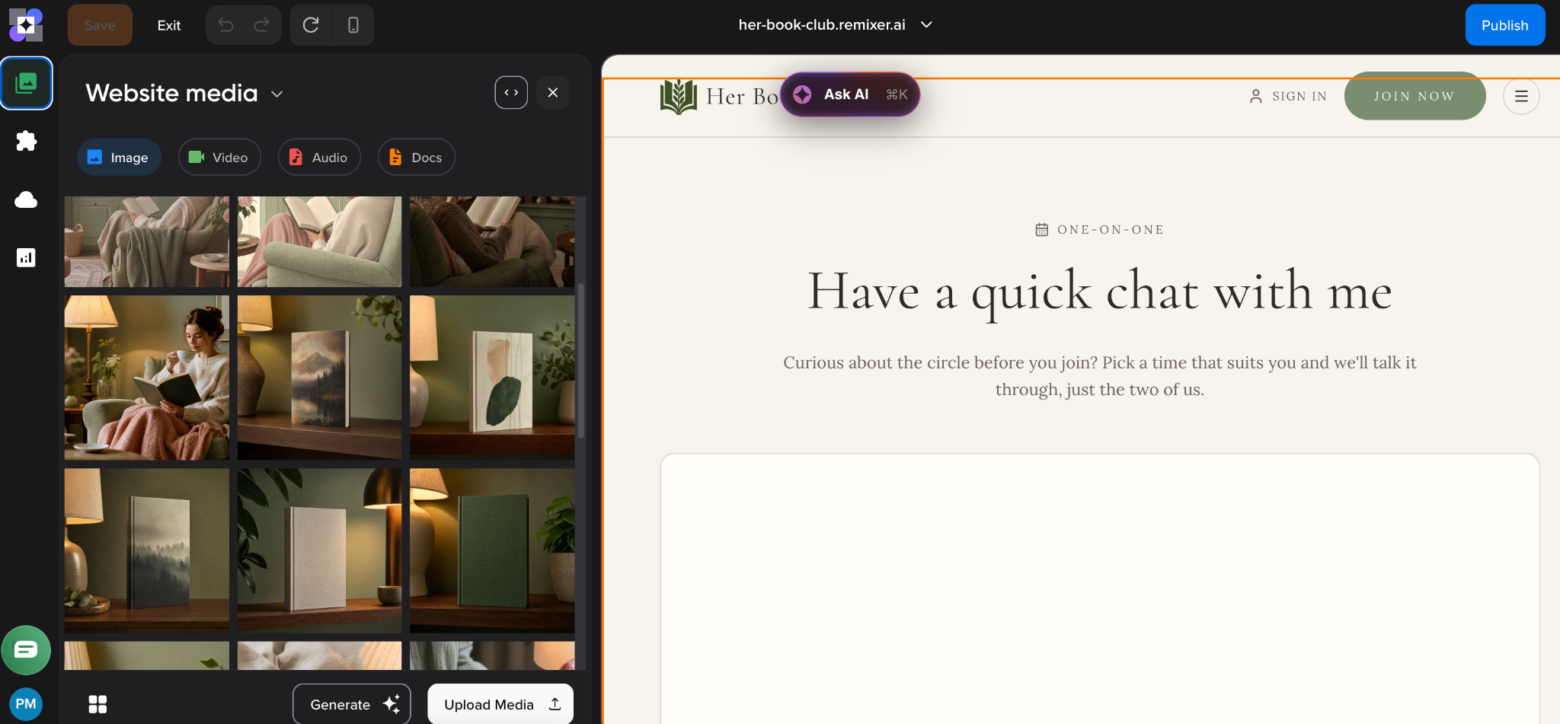
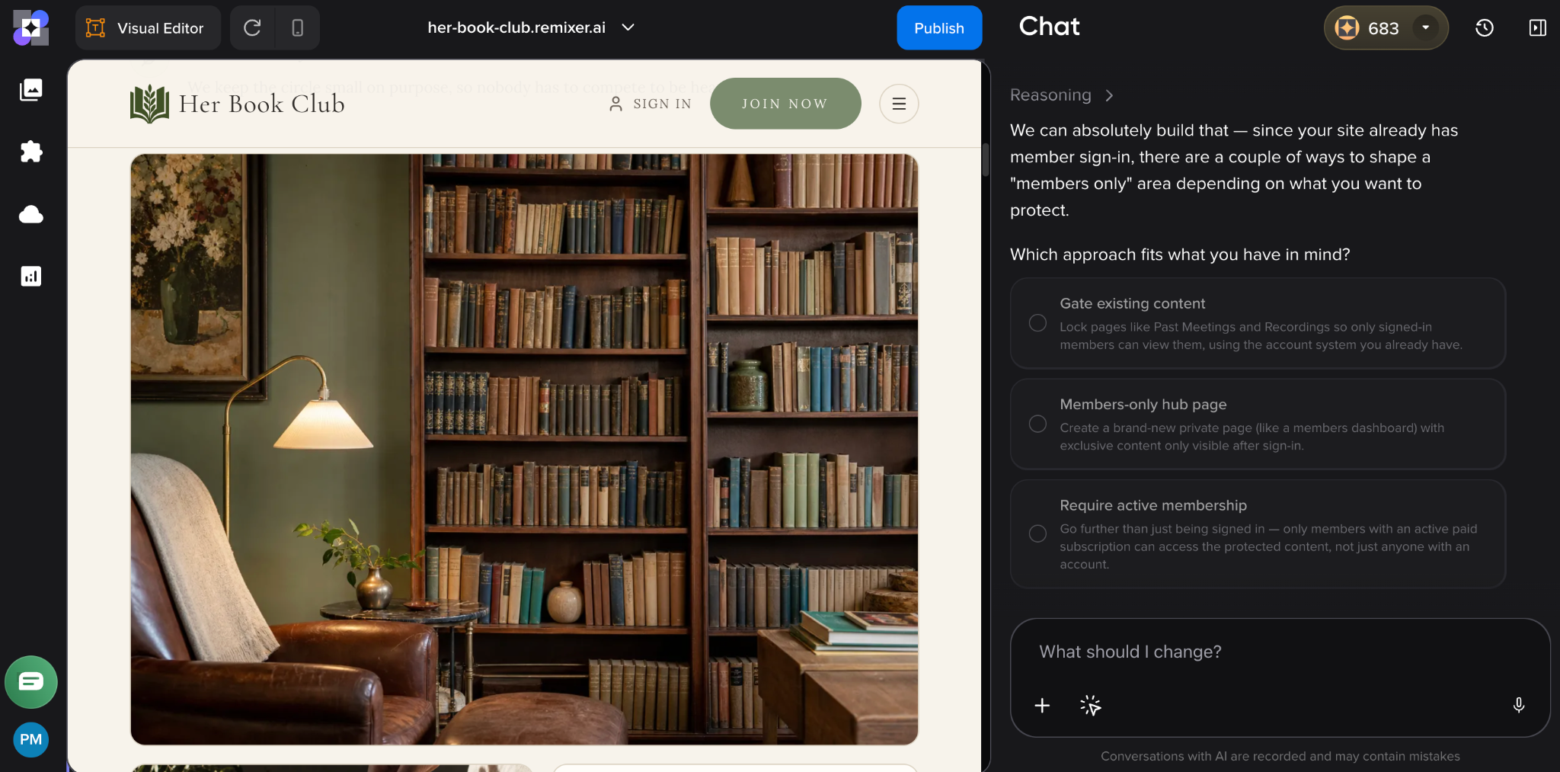
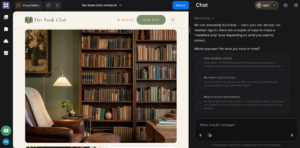
Remixer lets you generate an entire website from a quick, detailed AI prompt, including the page structure, layout, copy, and images. From there, you can keep refining the site by chatting with the AI, which makes the whole process feel much less technical than a traditional website builder. You can also tweak anything manually if needed.
-
It can build more than simple websites
Remixer has evolved into more than a basic AI site generator. You can now build things like directories, booking tools, customer portals, and membership sites, with features such as databases, user accounts, forms, file storage, and server-side actions, all without any manual complex coding.
-
Hosting and essential infrastructure included
There’s no need to find a separate hosting provider or worry about things like SSL certificates and CDN setup because Remixer includes all the hosting infrastructure you need. This keeps things easy and simple if you just want to focus on getting your website live.
-
Generous free trial
Remixer gives you a 30-day free trial (no credit card required) and enough AI credits to have a first draft of your project. That means you can actually build and experiment with the tool before deciding whether it’s worth paying for.
-
You don’t need credits for everything
Credits are only consumed when you use AI to generate or modify the site. Manual edits, publishing changes, hosting, and visitor traffic do not use credits. Your published site also remains live even if your AI credit balance reaches zero.
Rating Details
Conclusion
Remixer takes a refreshingly simple approach to website building. Instead of picking a template, installing plugins, and digging through settings, you just describe what you want and let the AI do most of the work. In our test, that worked really well. The first version already looked polished, new pages matched the same style, and even more advanced requests like custom code, multi-level navigation, forms, and third-party widgets were surprisingly easy to add.
What also impressed us is that Remixer goes well beyond a basic AI website generator. It includes things like a built-in database, user accounts, forms, file storage, and payments, so you can create online stores, booking systems, and members-only areas without having to piece everything together with separate plugins. Hosting is included too, which keeps the whole setup nice and simple.
There are still some limitations. You don’t get the huge plugin ecosystem or the same level of granular design control as WordPress, and AI changes use up credits. Remixer is also not the best fit for large blogs. But for beginners, freelancers, and small businesses that want to get a professional-looking site online quickly, Remixer is one of the easiest and most enjoyable builders we’ve tried.
Is Remixer the right website builder for me?
- Recommended If
- Not Recommended If
You’re a beginner and want to build a professional website without learning how themes, plugins, or hosting work.
You like the idea of building through AI chat, describing what you want rather than configuring everything manually.
You want to launch quickly. Remixer can generate a surprisingly polished first version of your website in just a few minutes.
You need more than a basic website. Built-in databases, forms, user accounts, payments, and file storage make it possible to create booking systems, member areas, online stores, and other interactive features.
You want hosting included rather than having to choose and configure a separate hosting provider.
You want some advanced flexibility without coding everything yourself. In our tests, Remixer handled custom HTML, CSS, JavaScript, and third-party widgets impressively well.
The author
Learn more about us
We keep our content up to date
Last updated: Sep 14, 2026
THE BEHIND THE SCENES OF THIS REVIEW
This article has been written and researched following a precise methodology.
Our methodology
Comments