

Tooltester is supported by readers like yourself. We may earn an affiliate commission when you purchase through our links, which enables us to offer our research for free.
If a picture is worth a thousand words, a video is worth millions. But if you’ve landed on this page, then you probably know that.
But how easy is it to actually make an animated video using explainer video software?
Companies may boast that their software is the easiest to use or that you can create your video in minutes, but can this really be the case for someone with little to no technical experience?
As a complete novice in animation, I thought it would be fun to test out the explainer video software on the market.
What Makes a Good Explainer Video?
Before getting started, I thought it would be a good idea to get some inspiration. And guess what? There are tons of really cool explainer videos out there!
I love this one from Slack, which keeps it purely visual (i.e., no voiceover or text). It just shows what you can do with animation! Check it out below:
Dissolve reminded me that it’s important to bring some humor to your video. After all, if you do it right, a video can go viral, which is just what happened to this one. It’s also a good reminder to steer clear of clichés.

So, what makes a good explainer video?
- Make it original and don’t copy the competition
- Humor – Make it funny! Your video is much more likely to be shared if it tickles your audience
- Keep it simple – The point of an explainer video is to help people understand your product or service better, so don’t overcomplicate things
- Know your audience – Think about who you’re trying to appeal to and the style of video they’d appreciate
How to Make an Explainer Video
Before choosing the perfect explainer video maker, it’s important to do a bit of planning. You should also have a clear idea of what the goal/purpose of your video is. Once you have that clear, you’ll need to follow these steps:
- Create your video script
- Record the voice over
- Choose the video software
- Make your explainer video
- Publish and share!
1) Creating a Video Script
The first thing you need is a storyline. For most web tools or app presentations the structure is actually very similar:
- Showcase a problem
- Show how an ideal world without the problem would look (“wouldn’t it be nice if…”)
- Show how your tool/app/service can deliver this
2) Getting a Voice Over
If you’ve seen as many explainer videos as I have, you’ll have a pretty clear idea of what a typical voiceover sounds like. This can be pretty hard to achieve – believe me, I’ve tried – so I’d recommend heading over to Fiverr.com.
Prices there are fairly low, and, though the quality is not always perfect, you don’t have much to lose, given the fact that recording rates start at around 20 dollars per minute.
Another place that specializes in voiceovers is Voicebunny.com. Prices are generally higher than on Fiverr, but it seems to offer better options.
3) Choosing the Right Video Explainer Software
Turns out there are plenty of easy-to-use explainer video makers out there, many of which have a free plan, or at least a free trial, so you can see if you like it before you sign up.
Choosing the right software is essential if you want to make the best explainer videos yourself without having to hire a professional videographer. In testing the following software, I’ve noticed that offerings can vary quite a bit, along with the price tags attached.
Of course, there is also the AI route. These days there are countless tools that let you speed up production by generating explainer videos with AI avatars and AI‑generated media, although the final result can often feel a little artificial.
Best Explainer Video Software
- Vyond – Modern templates with endless options
- InVideo – AI-based explainer videos
- Veed – Great if you’re creating various video formats
- Promo.com – Tons of high-quality stock footage
- PowToon – Tons of video footage and music included
- Wideo – Easy-to-use interface
- Animaker – Good selection of free templates
- Moovly – Generous export limit
- Renderforest – Great price for one-off exports
- Videoscribe -Whiteboard explainer videos
- Biteable – Reasonable prices
- Simpleshow – Offer help with scriptwriting
Here are my reviews of the top 15 explainer video software on the market:
1. Vyond
We awarded Vyond our Best Explainer Video Maker badge for 2023!
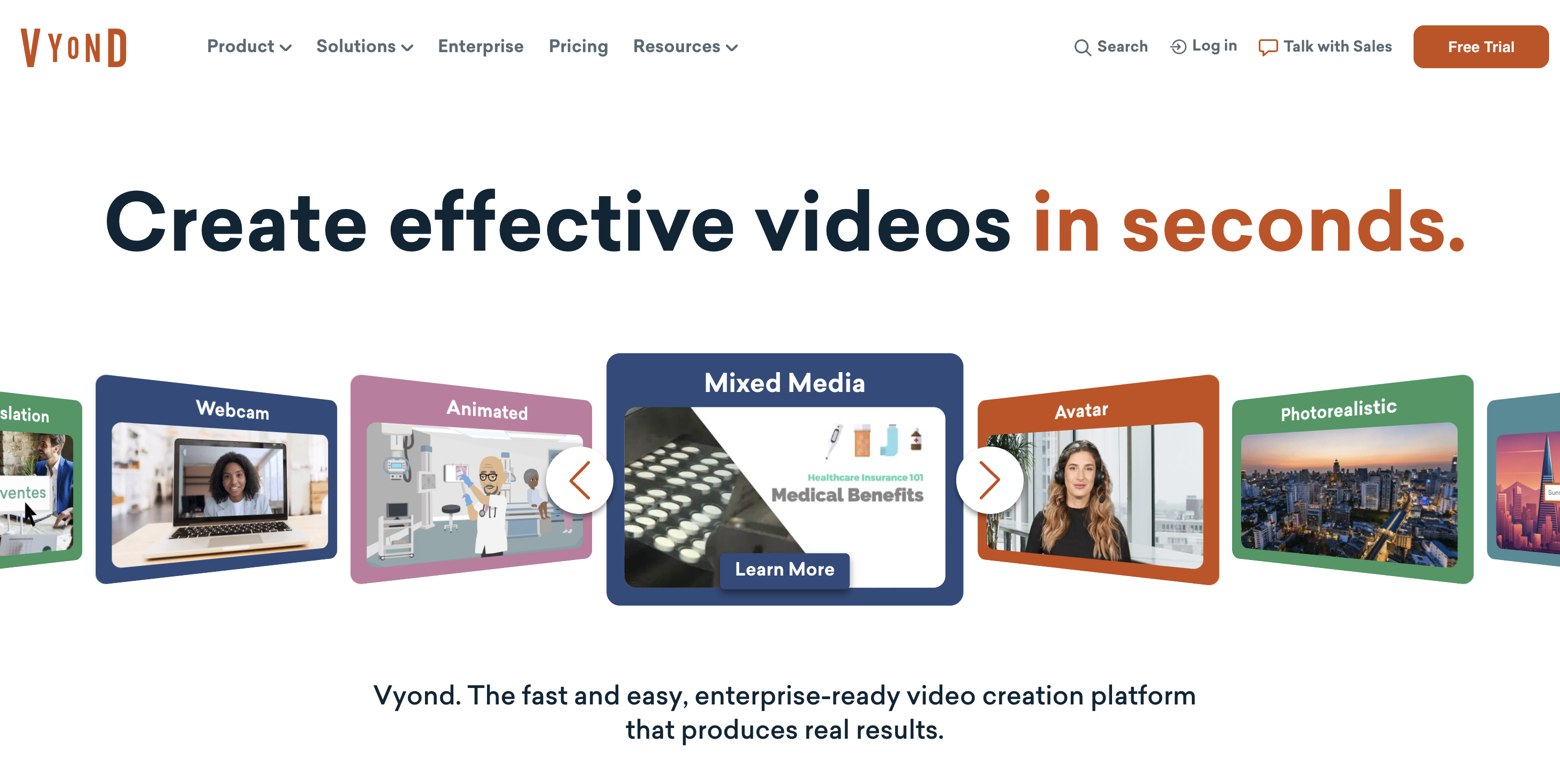
Vyond offers plenty of features to help you achieve a professional look and feel. There’s a wide range of templates and characters, though some of them do feel a bit dated. Recently, Vyond has also added several AI-powered tools that make the video creation process more sophisticated and efficient.
What I liked about Vyond
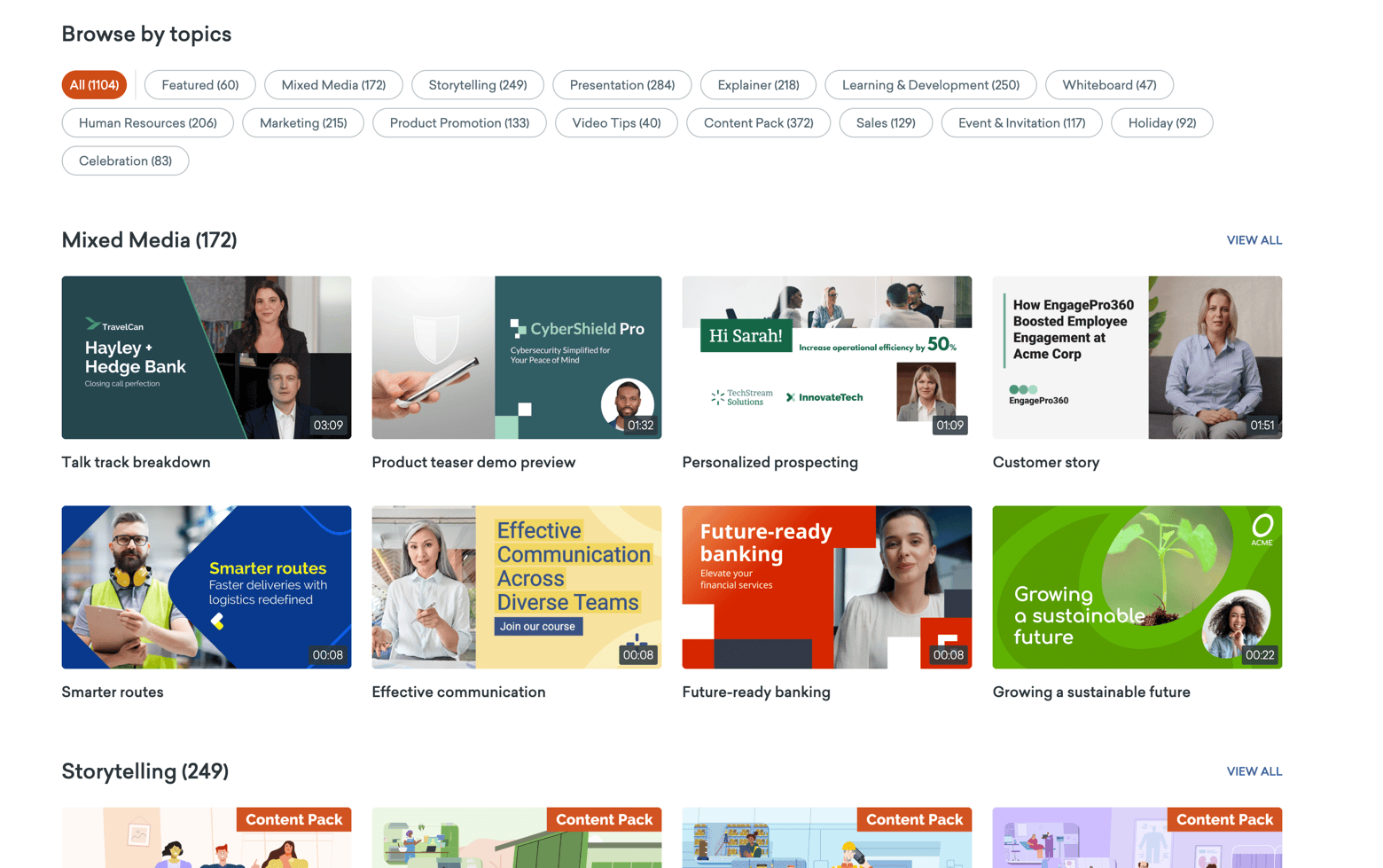
- Plenty of templates are available for you to choose from
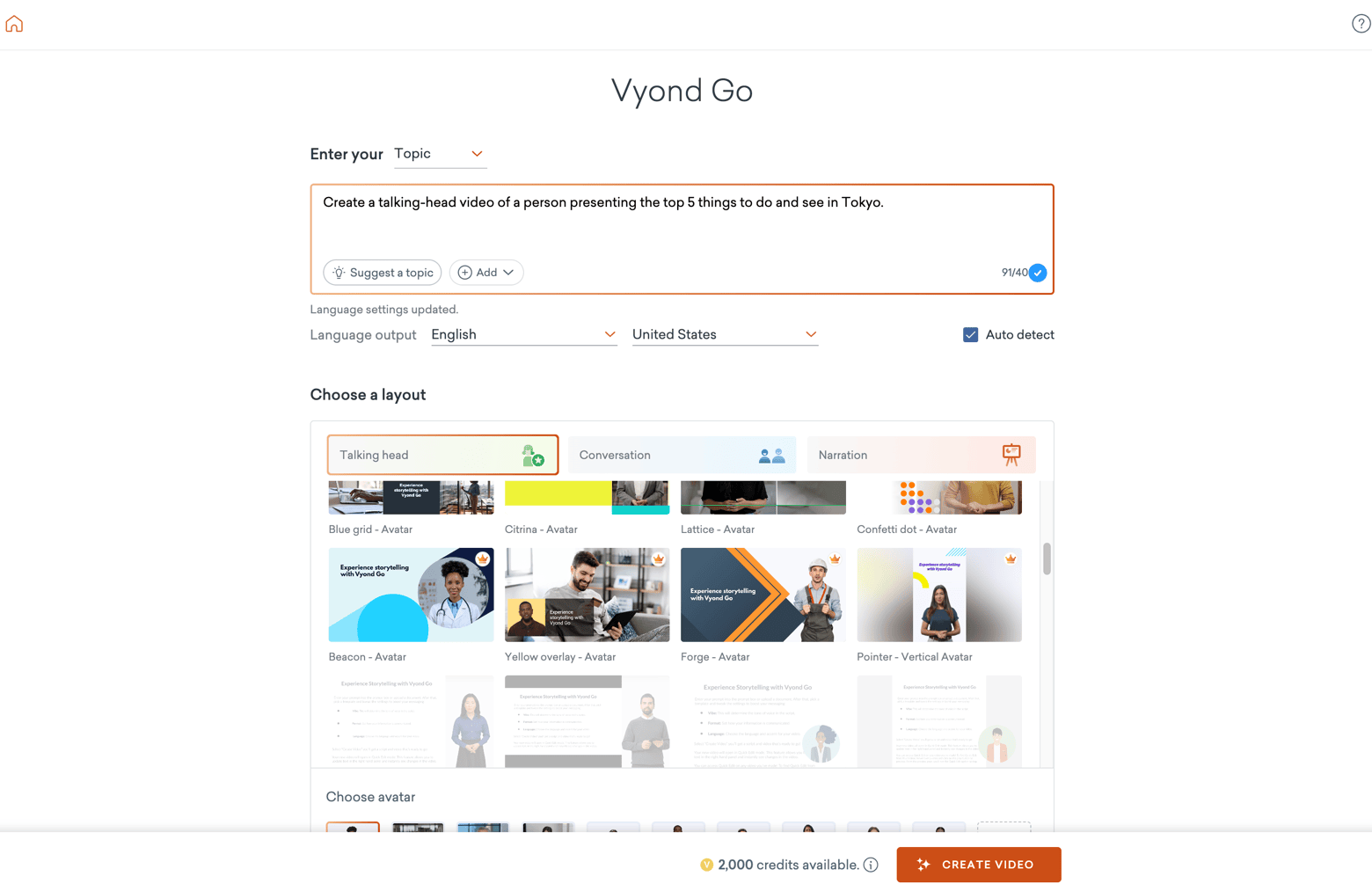
- Many options to create content with a real presenter, AI avatars, characters, or completely faceless formats
- Loads of AI tools like text-to-speech, image generation, converting documents to video, text-to-video, AI avatars, etc.
- The editor is easy to use yet still offers enough customization
What Vyond could improve
- Some of the templates and characters look a bit outdated; others look more modern
- Not as smart as tools like InVideo at choosing relevant stock images or clips.
- No free plan available
Vyond Pricing
- Starter: $58/month
No Vyond watermark
Max. video duration 25 min.
10,000 credits a month - Professional: $100/month
No Vyond watermark
Max. video duration 40 min.
40,000 credits a month - Enterprise: $137/month
No Vyond watermark
Max. video duration 90 min. - Agency: $167/month
No Vyond watermark
Max. video duration 90 min.
400,000 credits a month
Try Vyond out for free today! (Save 10% on annual subscriptions using our voucher code: TOOLTESTER10)
2. InVideo
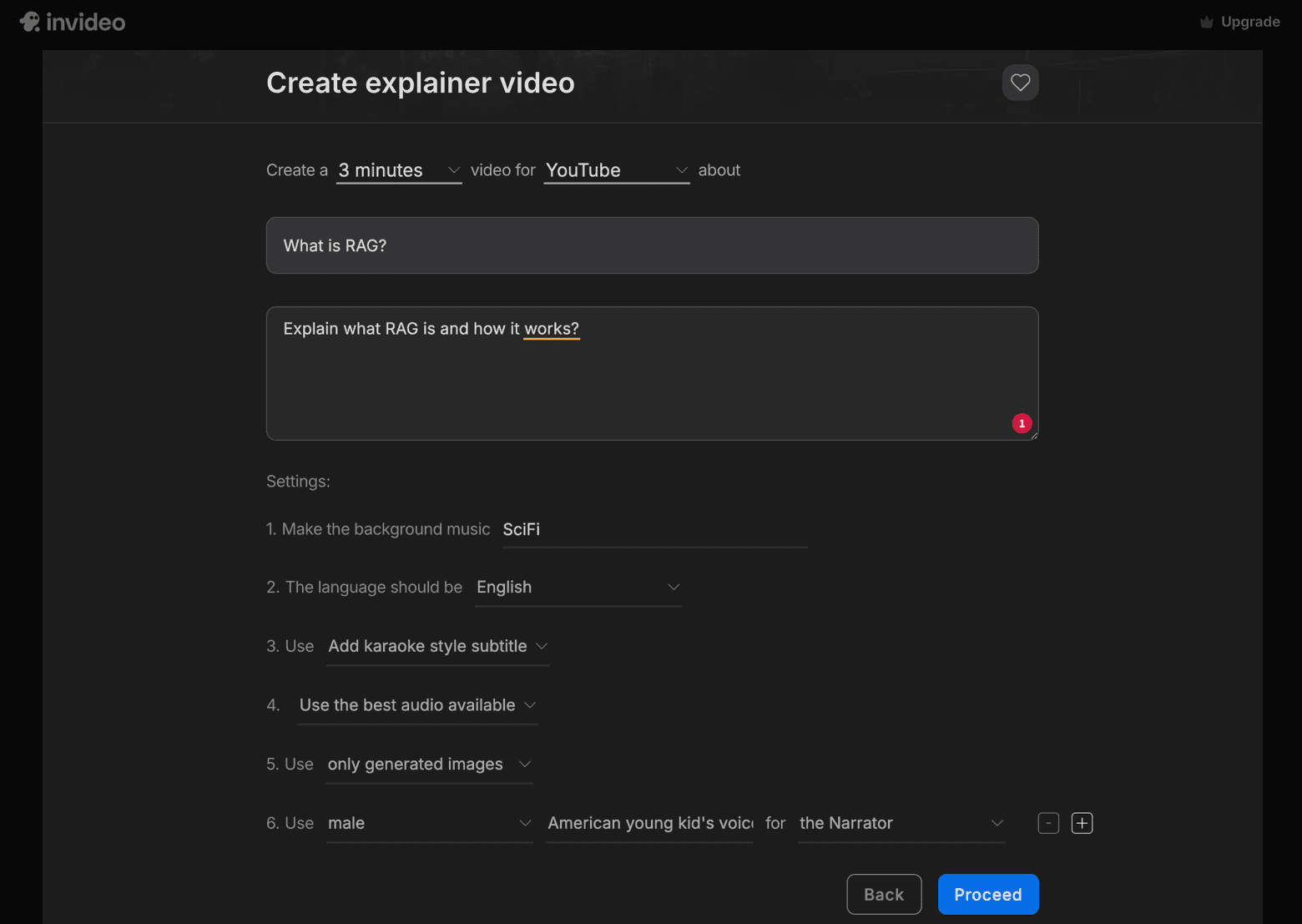
InVideo covers a lot, from video testimonials and bite-sized ads to business presentations. It also includes a dedicated explainer video section that works like this:
- Select the channel (YouTube, TikTok, or Instagram) and your preferred video length.
- Add extra information about your video topic, or paste in your own script.
- Choose which features you want, such as background music, subtitles, and narration voice.
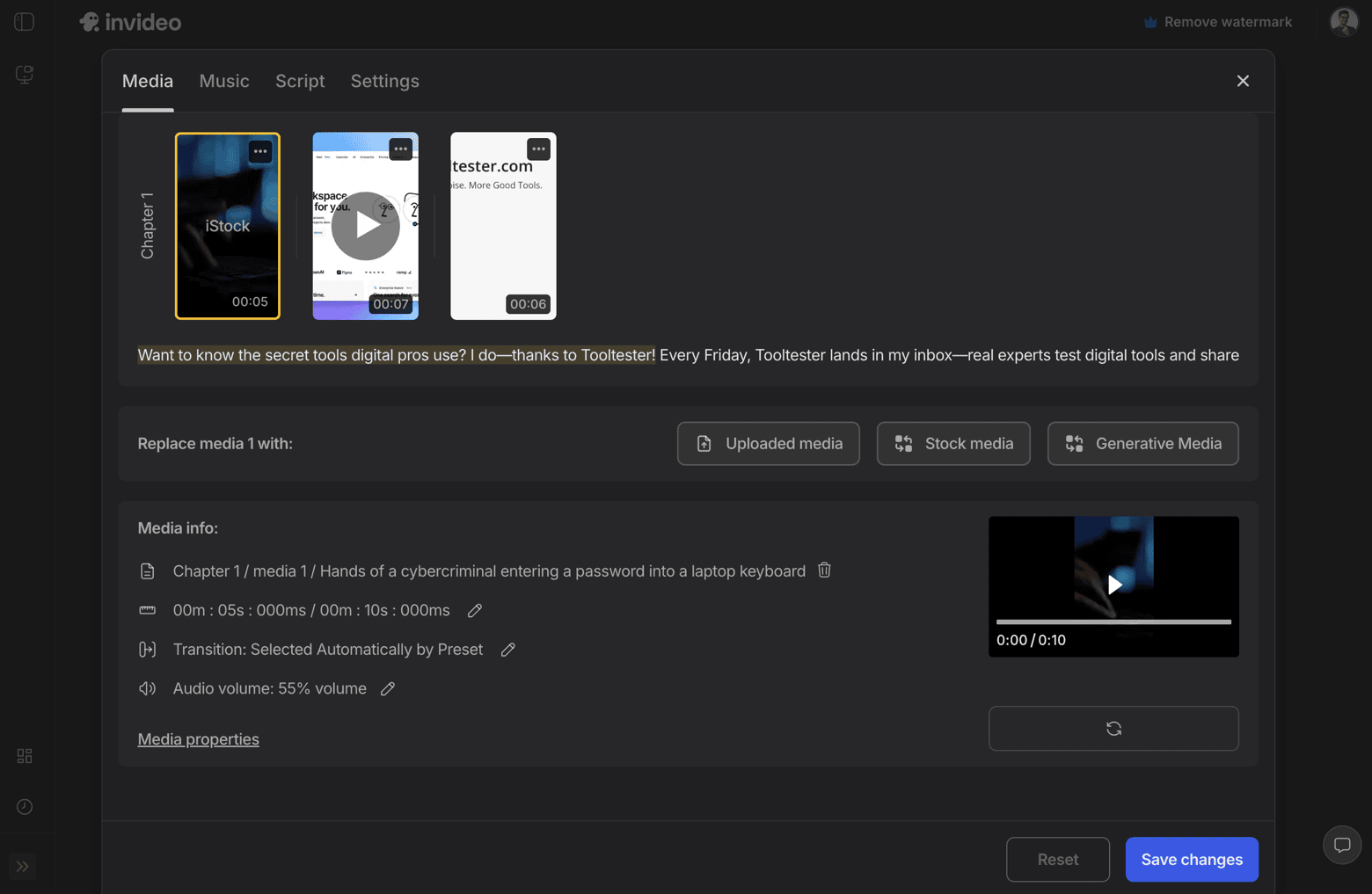
Then the AI will work for a few minutes and generate your explainer video. You’ll still want to tweak the result afterward to tailor it to your specific needs.
What I liked about InVideo
- Generate your own AI media or use available stock media
- Reasonably priced paid plans
- Flexible video creation
- The brand presets you add are automatically pulled into any video you create, which should save some time
- Many AI features (avatars, image generation, video generation, etc.).
What InVideo could improve
- Not the most intuitive video editing software, even for experienced users. I’d recommend paying attention to the tutorial
- The free plan is extremely limited and almost unusable.
- Highly AI dependent, which makes it harder to get exactly what you want.
InVideo Pricing
- Free
InVideo watermark on video
1 AI credits
No access to AI generative features
2 min. of video a week - Plus: $28/month or $15 when billed annually
InVideo watermark on video
10 AI credits
30 seconds of generative video a month
50 min. of video a month - Max: $50/month or $30 when billed annually
InVideo watermark on video
40 AI credits
120 seconds of generative video a month
200 min. of video a month - Generative: $100/month or $30 when billed annually
InVideo watermark on video
100 AI credits
300 seconds of generative video a month
200 min. of video a month
Note: If you run out of AI credits, you can buy more on any paid plan, with prices per credit of $2.80 on Plus, $1.30 on Max, and $1.00 on Generative.
3. Veed
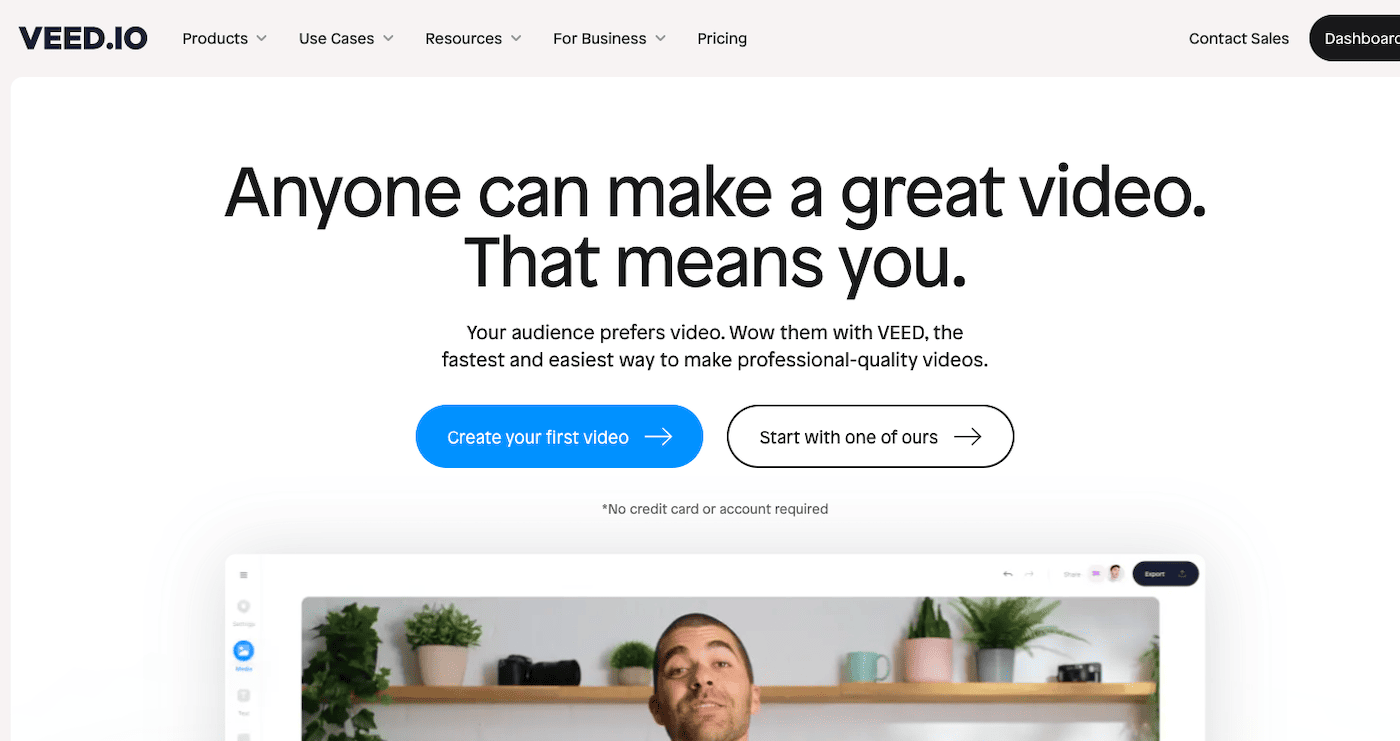
Veed promises you can make high-quality professional videos without the complications of using professional video editing software. But what about producing explainer videos, specifically, and what niche features does it offer that other video makers on this list don’t?
Let’s delve in to find out!
What I liked about Veed
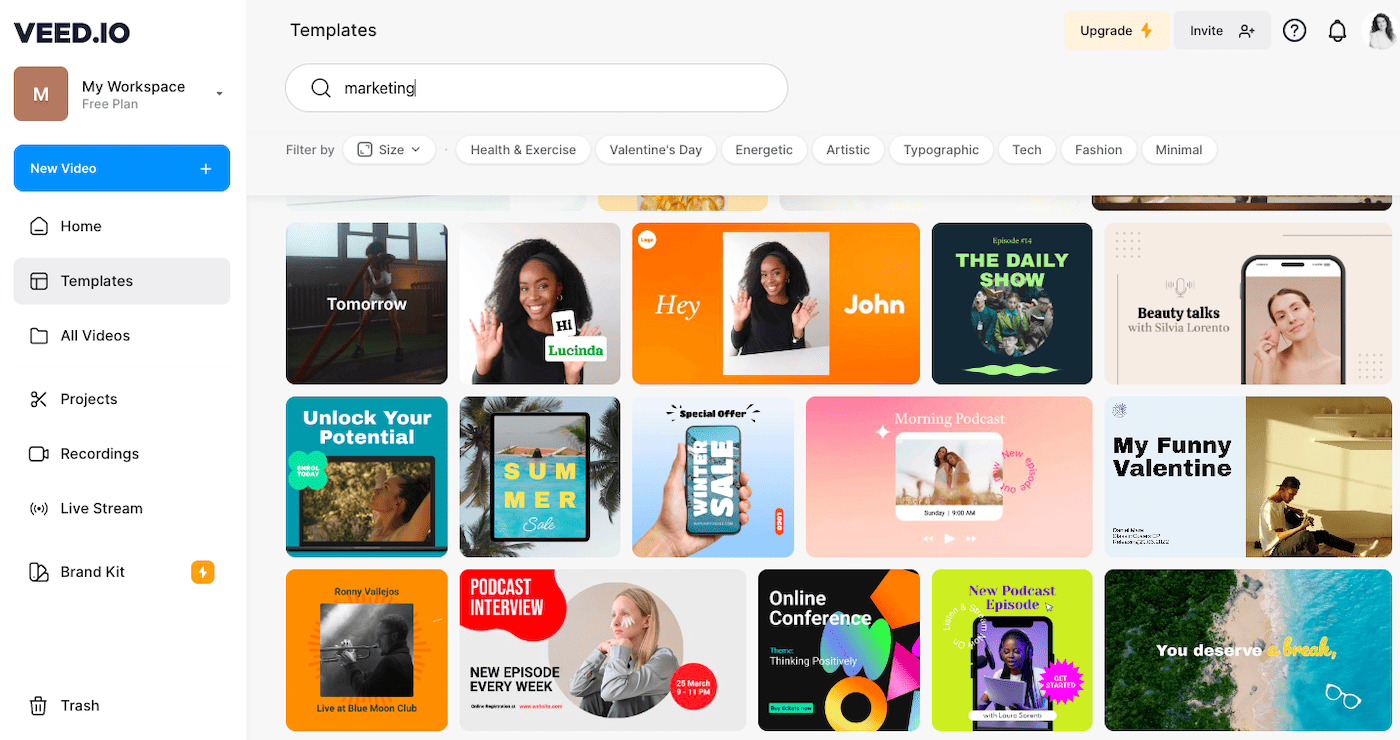
- There are tons of high-quality video templates available, and I like how you can filter by size (portrait, landscape, and square)
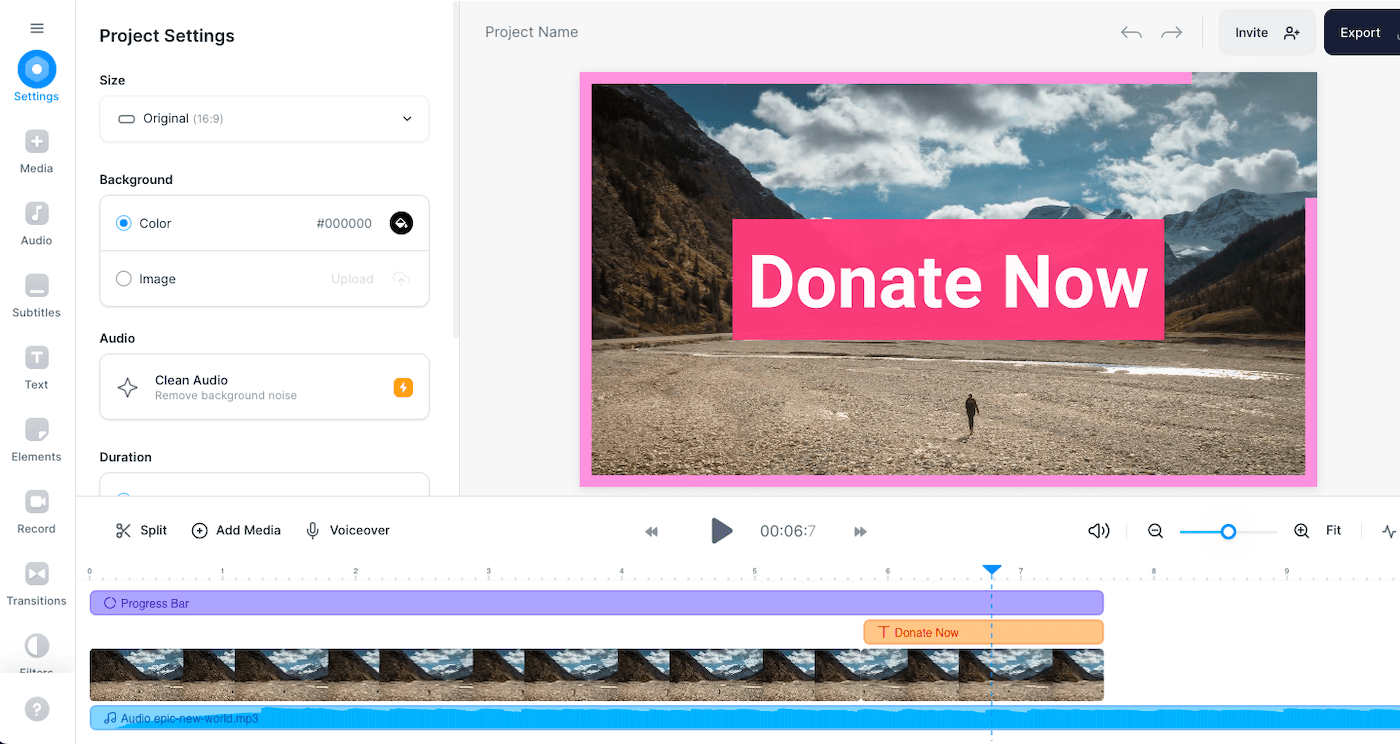
- The video editor offers a drop-down with all the platforms and their various formats (Instagram Stories, Instagram Post, YouTube Shorts, TikTok, etc.), so no need to waste time researching the dimension specifications for each platform. You can also auto resize if you’re producing video content to publish on various platforms that require different dimensions
- There are plenty of music tracks and stock video footage available; however, you’ll need the paid plan to access most of it
- There is a whole section dedicated to subtitles, where you can upload an SRT or VTT file. This is great if you have an international audience
- You can add collaborators, which will really help move the production flow along quickly (so long as it’s not a too-many-cooks situation)
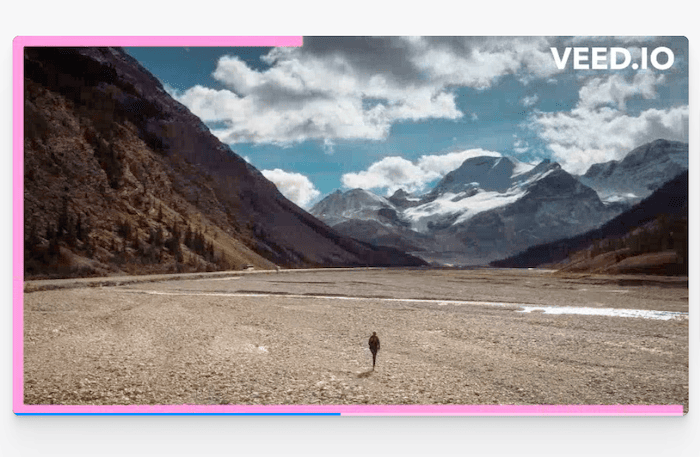
- The free plan includes unlimited projects and a maximum video length of 10 minutes. Though you will have to put up with Veed’s watermark and just 720p export quality
-
- Editor
-
- Templates
-
- Watermark
What they could improve
- Videos are either text-based or feature live-action footage, so if you’re looking for animated videos, you’d be better off going with Vyond or Powtoon
- The watermark on the free plan is very conspicuous
- There’s no specific category for ‘explainer videos’, however, there are certainly templates you can adapt, since they’re categorized by industry rather than purpose
- A little buggy when signing up, as I was sent to a page that didn’t have any content
Pricing
Free:
Video length: 10 min max
Export quality 720p
Veed watermark
Lite: $12/mo
No Veed watermark
Create a brand kit
Export quality 1080p
Gen-AI videos 5 a day
Pro: $29/mo
Subtitle translation
Additional AI tools (e.g. eye contact or clean audio)
Export quality 4k
Unlimited Gen-AI videos
4. Promo
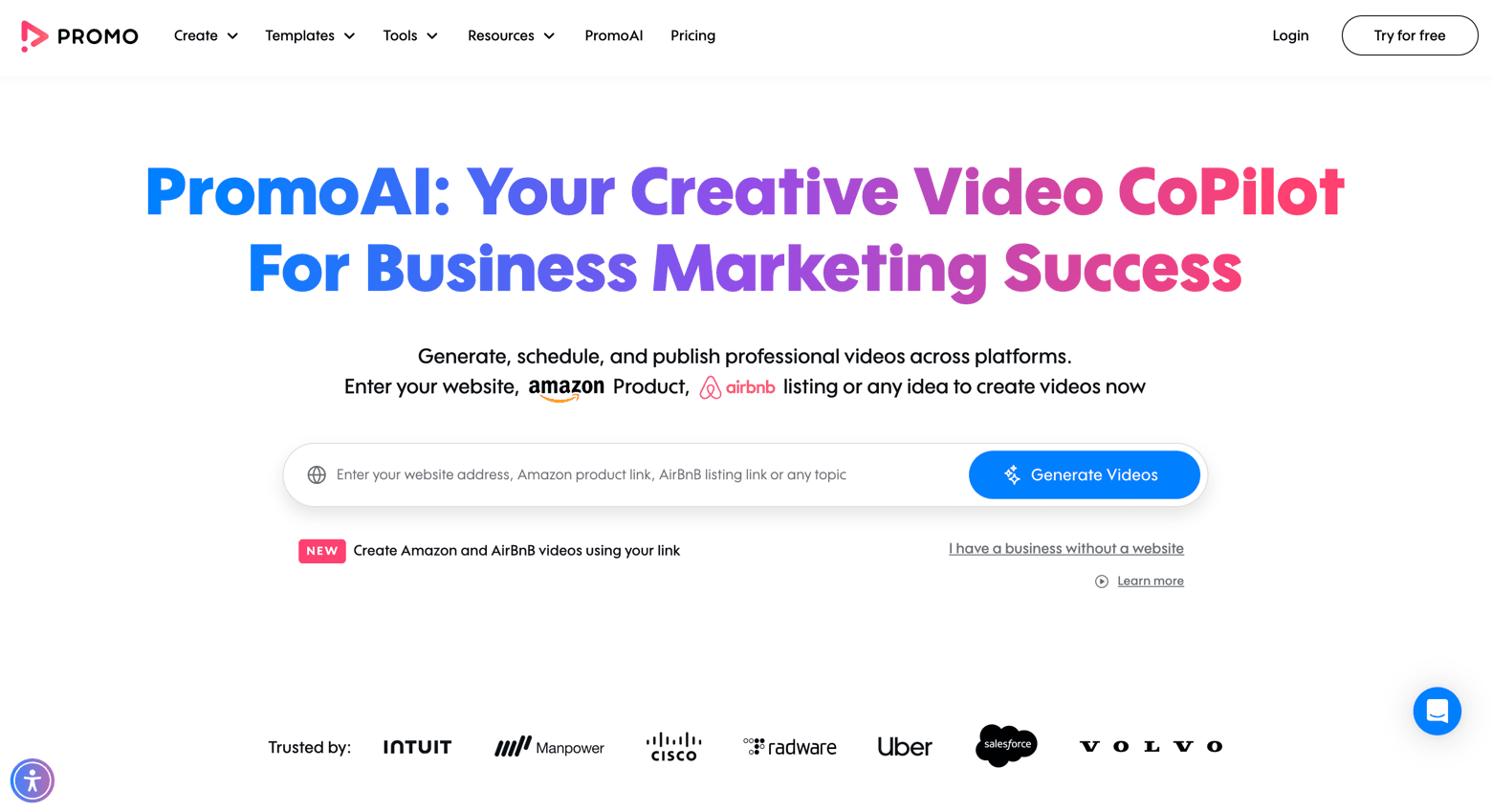
Naming themselves ‘the world’s #1 online video maker’, Promo.com certainly isn’t messing around. In fact, they claim to have helped 1M businesses create over 60M videos over the last 5 years.
I wanted to see what all the fuss was about, so I looked into this promo video maker to see how it fared when it comes to explainer videos.
What I liked about Promo
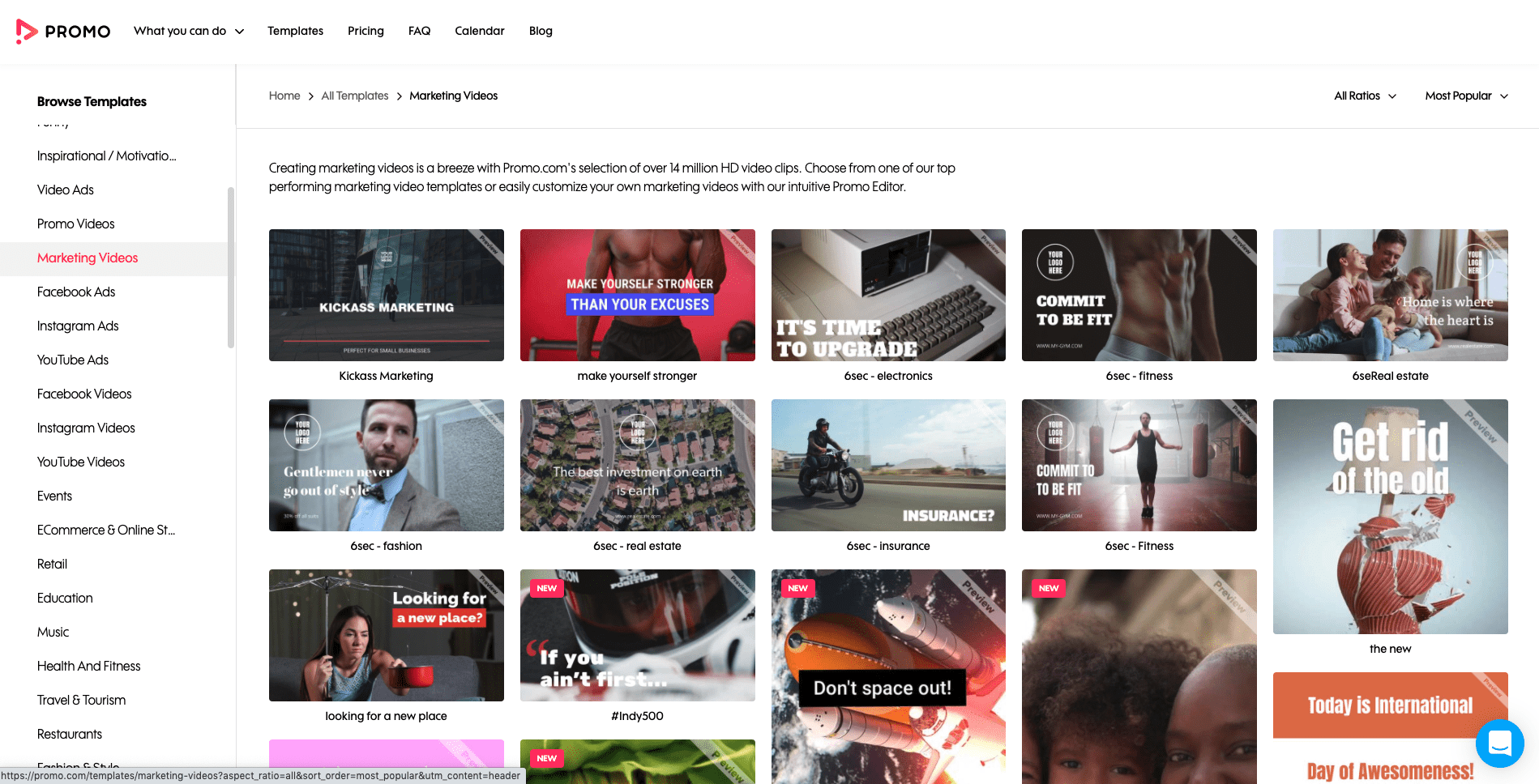
- There are tons of stock videos on offer, mostly premium, but plenty of free options too. You can also upload your own videos and photos to use
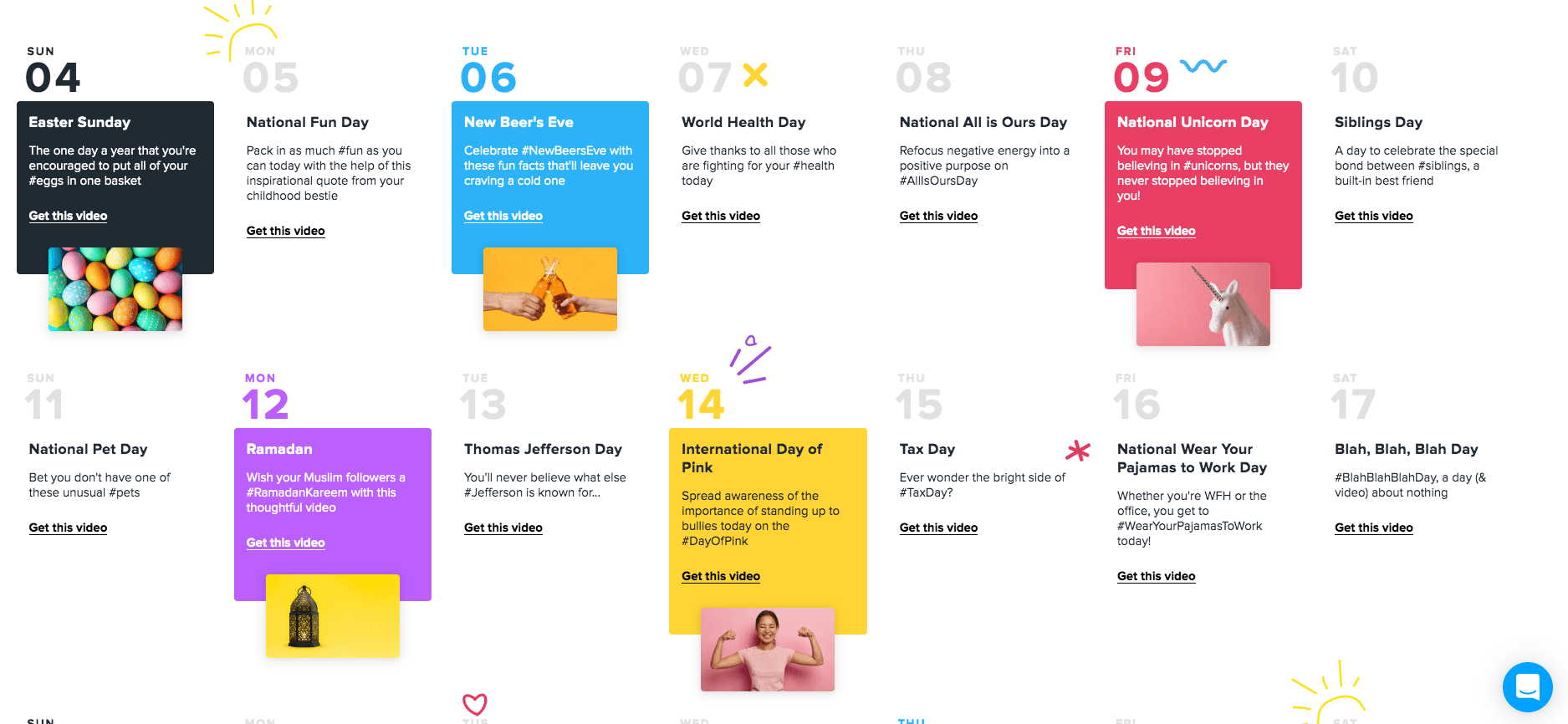
- A pretty cool, unique feature is the social media calendar, which links to a ready-made video for each event
- There are tons of music tracks available, which you can sort by genre, instrument, mood and tempo
-
- Templates
-

- Calendar
-
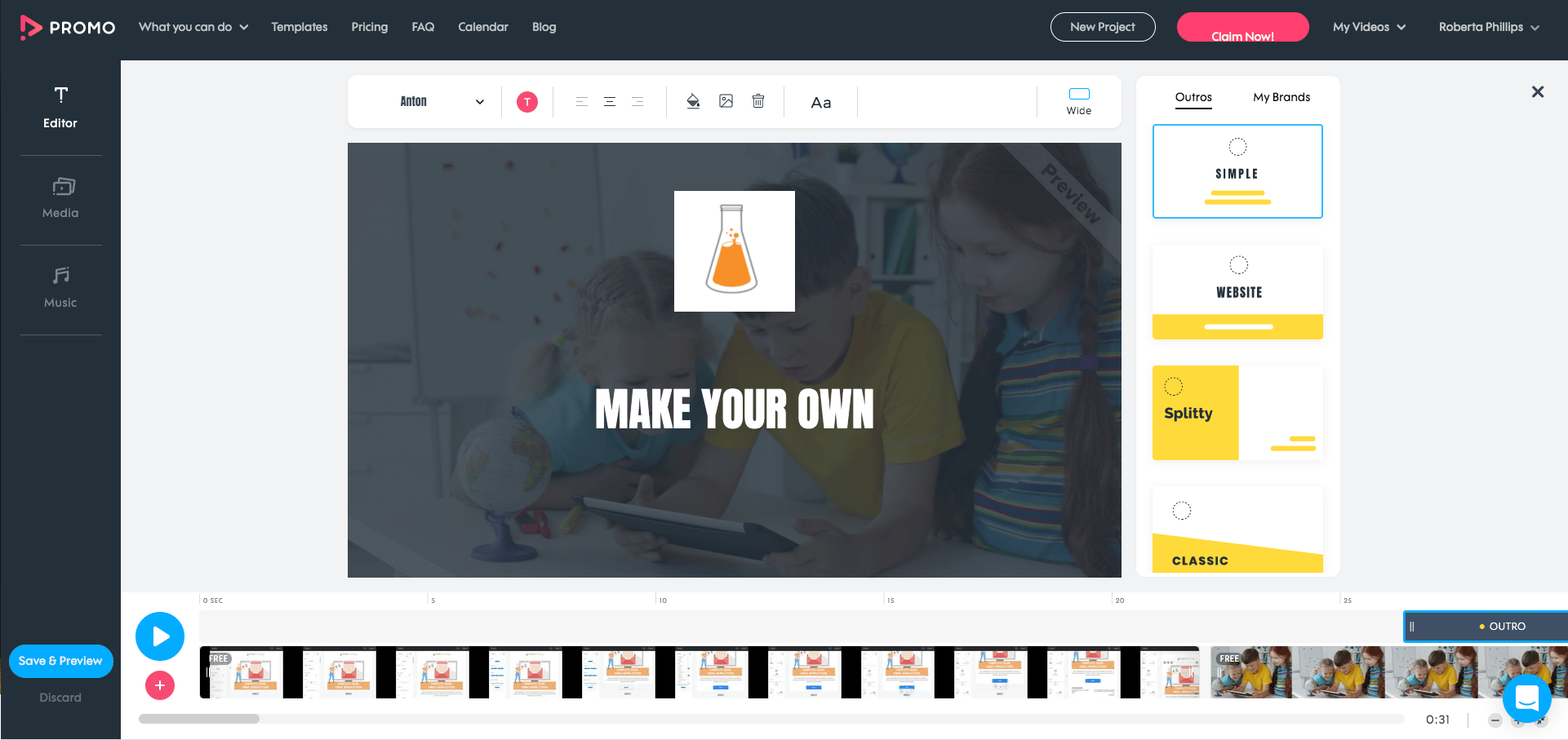
- Editor
What Promo could improve
- There are very few animated videos to choose from, so if you were looking for this kind of style, you’d be better off going with Vyond or Powtoon
- The music you select doesn’t appear in the video editor, which makes it difficult to line up your cuts with the beats. It also means you can’t cut the song or add any audio transitions
- The options in the editor are quite limited, though they may be good enough for you if you just want to make a simple video
- No exports on free plan – you’re limited to the creation of 5 videos
- There’s no specific category for ‘explainer videos’, however, you might find what you’re looking for in the ‘intro videos’ section or under ‘promo videos’
Promo Pricing
- Basic: $29/mo
120 Premium Getty Images
200 music tracks
2 GB of upload storage - Standard: $59/mo
3,600 Premium Getty Images
1,000 music tracks
10 GB of upload storage - Pro: $199/mo
36,000 Premium Getty Images
2,000 music tracks
50 GB of upload storage
5. PowToon
If you have ever used any video making software before, for example, Windows Movie Maker or iMovie, getting the hang of PowToon should be fairly easy. In fact, it’s much easier considering they offer a lot of material (music, video footage, etc.) within the platform.
-
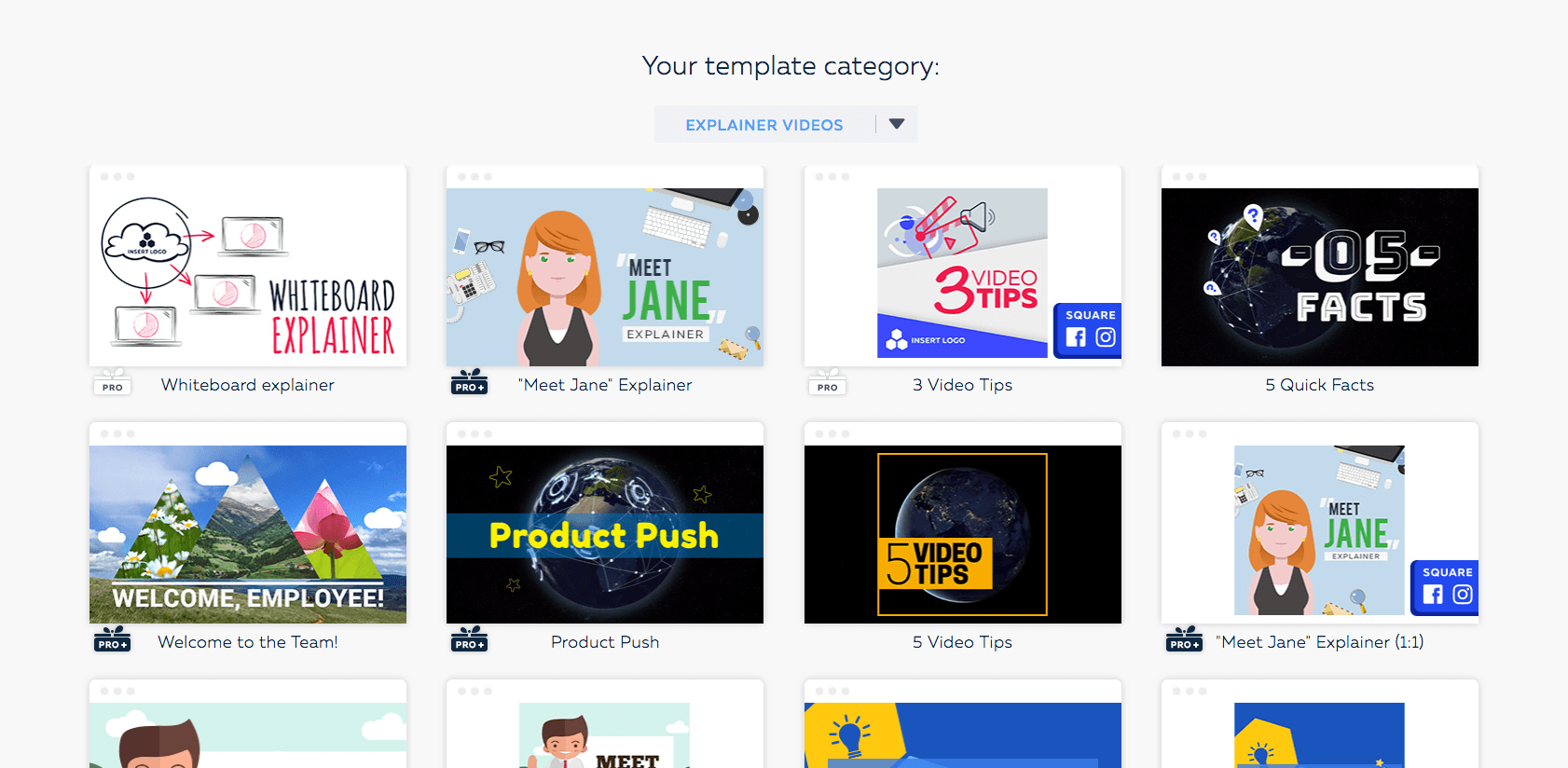
- Templates
-

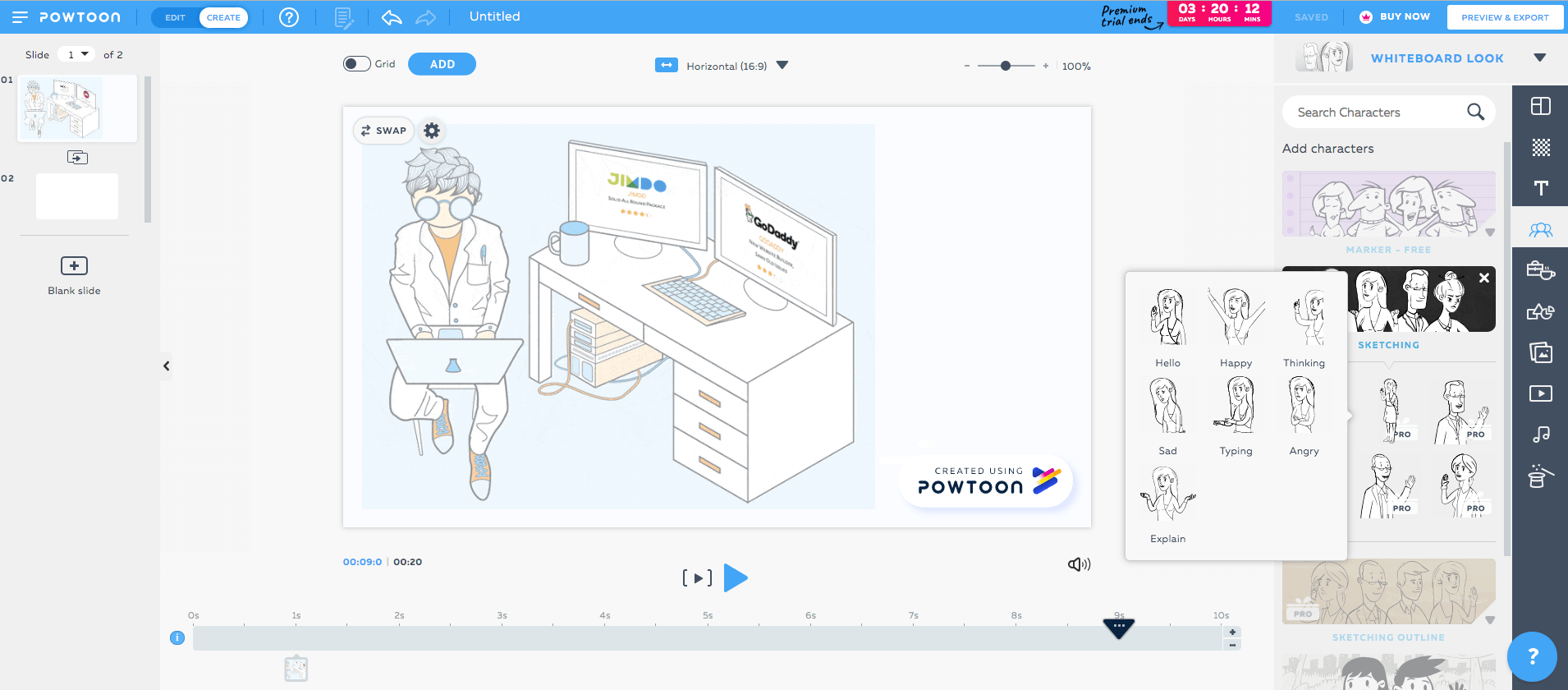
- Editor
What I like about PowToon
- The interface is clean and easy-to-use. Editing each element and incorporating new ones is painless, and they have a number of cool effects
- The video footage they have on offer is pretty good, though all the best stuff is reserved for higher tier plans, of course
- If you want to add music to your video, they have a large selection of free and premium music clips. Alternatively, if you don’t find what you’re looking for, you can check out Pond5, which has tons of royalty free tracks
What PowToon could improve
- They do have nice characters and props, but all in all there should be more, and most options are only available in the Pro plan. If you want to “cartoonize” your own images or create avatars, you can do so for free on Cartoonize.net
- The same goes for images. Though you do have access to Flickr images, annoyingly, the search bar doesn’t work, as any query you put in produces zero results. What you can do, however, is to add external images to your video
- Audio editing is very limited: you can only use one track for the whole video, and there is no fade-out effect
PowTown Pricing
Though they have a free plan, if you want to have your video ad-free and in HD you’ll have to flash the cash. There is also a big difference in price when you pay annually.
- Free: $0
Includes Powtoon branding in videos - Lite: $15/ month or $19/month billed annually
5 exports
10 min. max. duration - Professional: $40/ month or $59/month billed annually
Unlimited exports
20 min. max. duration - Business: $125/month billed annually
Unlimited exports
Advanced AI tools
30 min. max. duration
6. Wideo
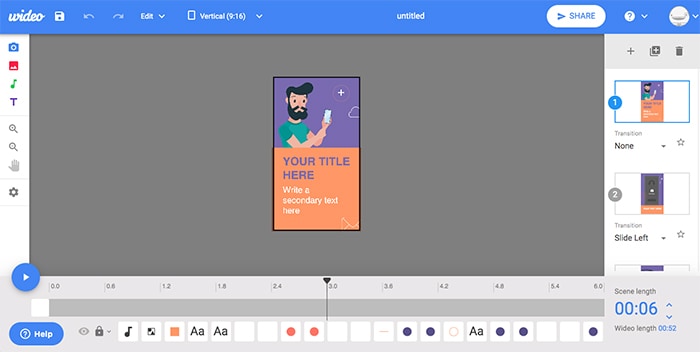
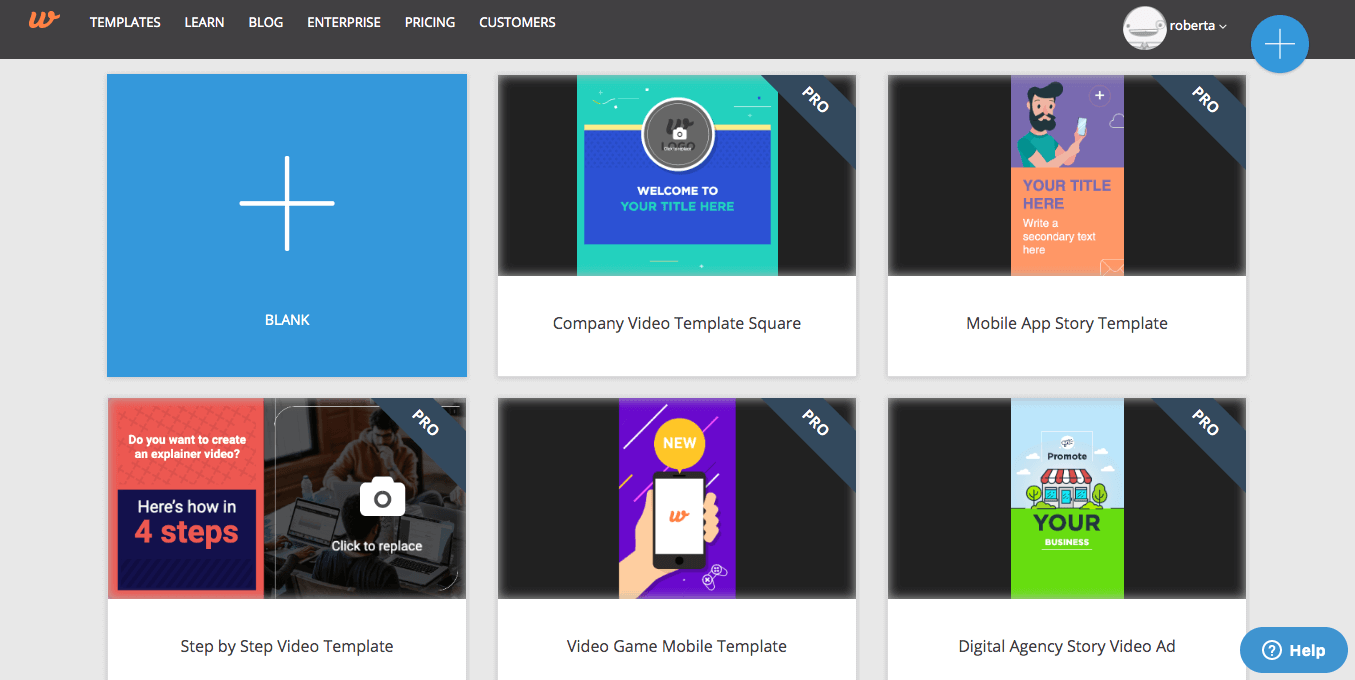
Wideo allows you to create animated videos and presentations, though if you want access to all the good stuff, you’re going to have to go pro.
What I liked about Wideo
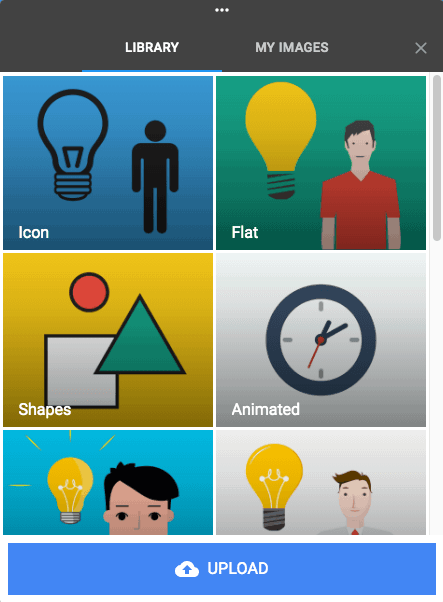
- They have a decent selection of icons and images
- Easy-to-use, modern interface
What Wideo could improve
- Their Basic plan is pretty basic, offering very limited sound and template galleries. They also set a cap at just 1-minute
- No free plan
-
- icons
-
- Templates
Wideo Pricing
- Basic: $59/month or $19/month billed annually
10 downloads per month
1-minute videos
20 video templates - Pro: $99/month or $39/month billed annually
Unlimited downloads
10-minute videos
Full template gallery - Enterprise: $199/month or $79/month billed annually
Two accounts
Premium support
Unlimited video length
7. Animaker
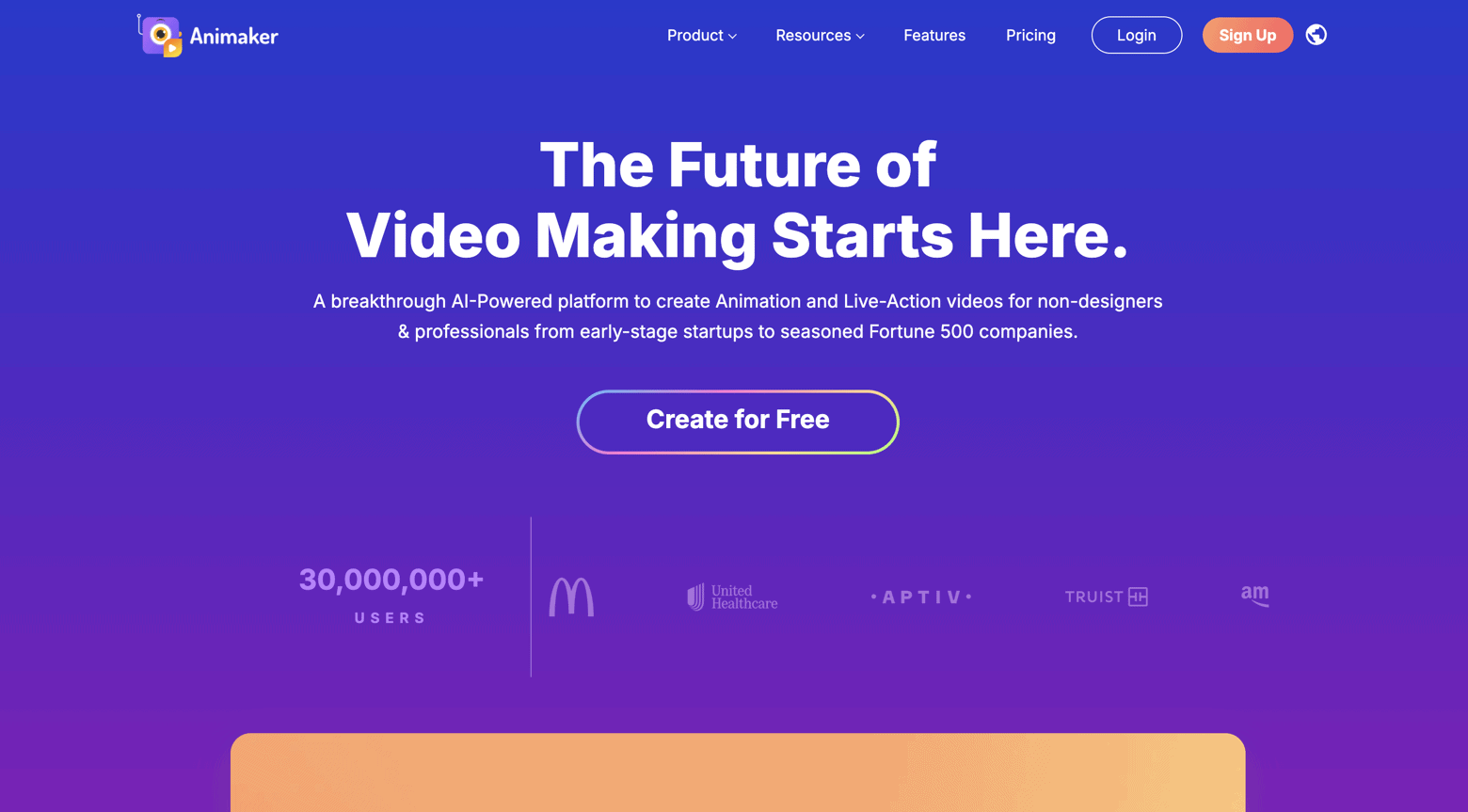
Animaker claims to be 10X better than other online animation video making software. That’s quite a statement I had to validate. This explainer video software is certainly one of the cheaper solutions on this list, and their pre-made templates are fairly modern-looking. But there are a couple of things to be aware of.
What I liked about Animaker
- Their free templates are much nicer than those available on other tools
- Offers helpful tutorials on how to make each style of video
- They have really nice animation styles, though these are reserved for Premium users
- Very reasonable prices
What Animaker could improve
- I couldn’t find a way to start completely from scratch; instead, I had to use one of their templates
- They have a voiceover feature where you paste in the text and a voiceover is generated from a (small) selection of voices. Unless you’re going for the robotic vibe, I’d steer clear and either do your own or hire a professional on Fiverr.com
- No autosave feature
- As the site runs on Adobe Flash, which is largely becoming obsolete due to security issues, you’ll have to unblock the permissions in your settings. You might have to do this on a number of occasions, as it resets itself
Animaker Pricing
- Free:
3 downloads/month.
2 GB storage
Animaker branding - Starter: $25/month
10 downloads/month.
10 GB storage
FHD videos - Pro: $43/month
15 downloads/month.
100 GB storage
2k videos
8. Moovly
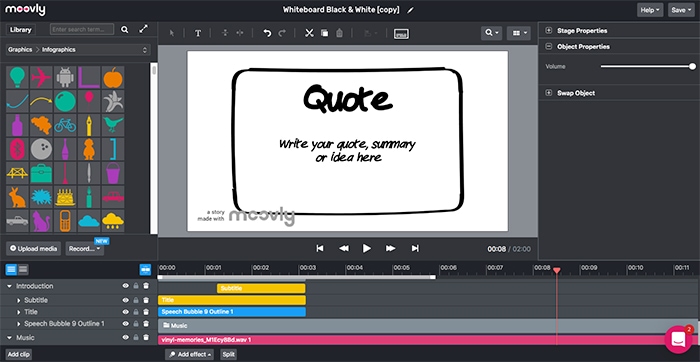
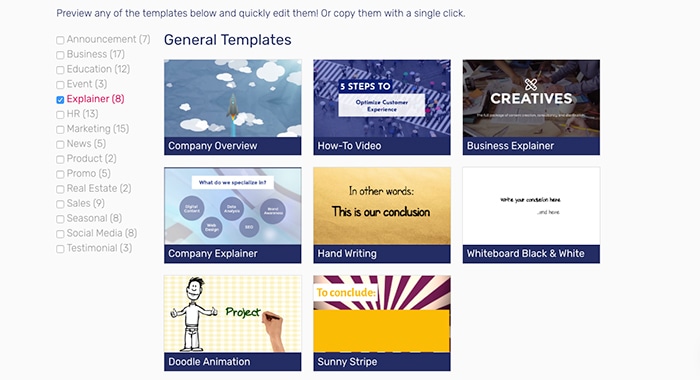
Though Moovly could do with adding a few more templates, their graphics and photo library have enough material to inspire you and animate your message in your preferred style. They also have a generous export limit, which will be more than enough for most small businesses.
What I liked about Moovly
- Very handy learn-by-doing tutorial
- Easy-to-use interface
- A good selection of photos and graphics
- Prices are very reasonable for a generous amount of exports
What Moovly could improve
- It would be nice to be able to preview the premium assets in the free account
- They could add a few more templates – these are also quite short
Moovly Pricing
- Pro: $49/month or $24.92 billed annually
25 exports/month. Commercial use - Business: $49.92/month set price
50 exports/month. Custom fonts and colors - Enterprise: Custom pricing
100 exports/month. Multiple accounts
9. Renderforest
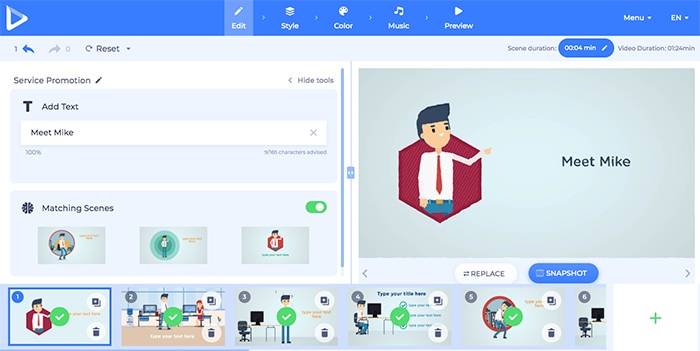
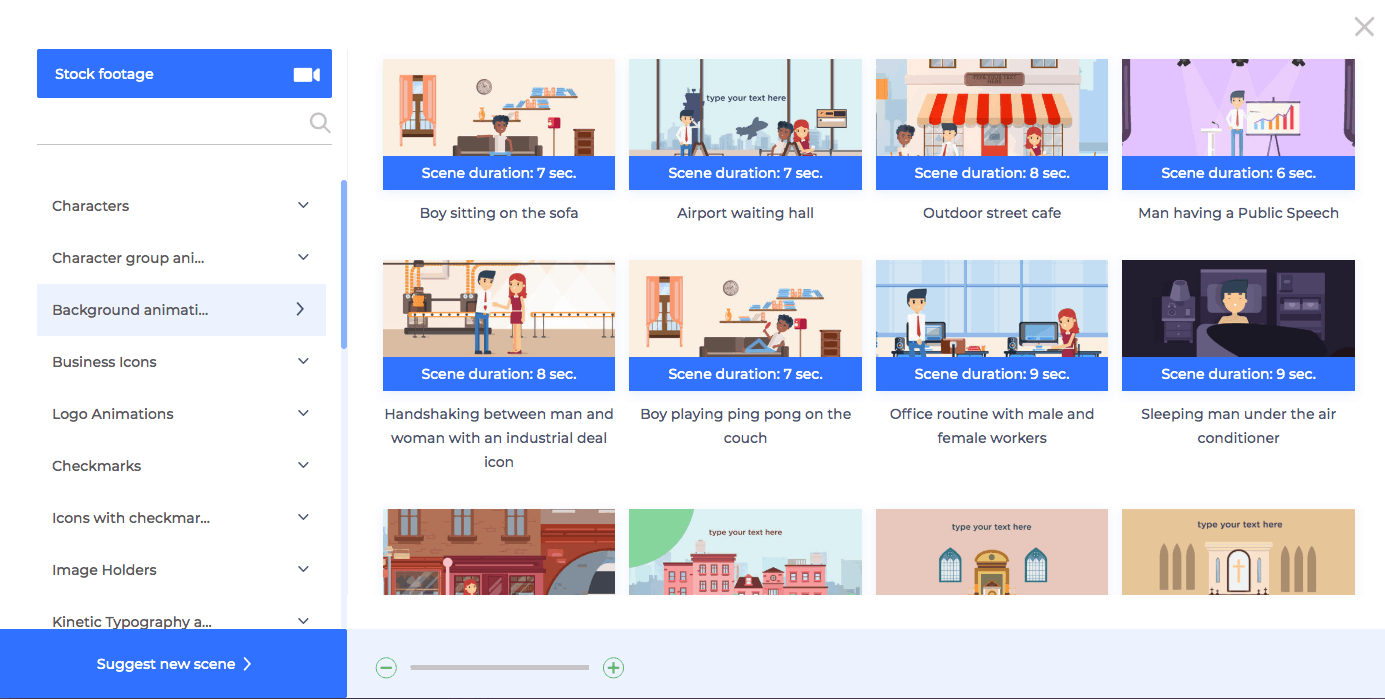
Renderforest is another tool that uses AI and machine learning algorithms to help you create your explainer video. Though, like the rest, you’ll be better off sticking to the templates provided.
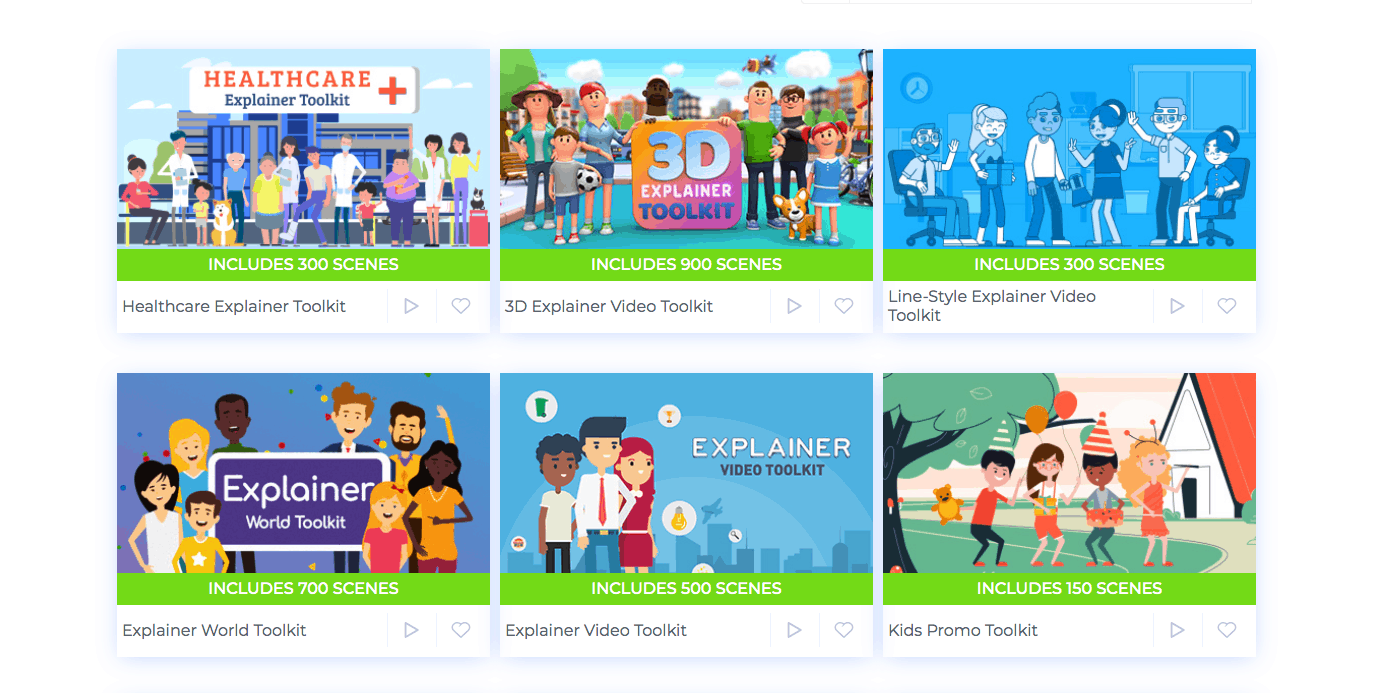
What’s nice about this video explainer software is that they’ve created a community by allowing users to rate the templates available. They also showcase their users’ videos.
What I liked about Renderforest
- The templates are sophisticated and contain lots of fun animations
- This is the only provider on the list that offers reasonable pricing for one-off exports – 1 video will cost you just $9.99!
- Paying customers can make use of their voiceover software (though I haven’t tested this), where they can both record and edit
What Renderforest could improve
- Though their animations have a contemporary feel, there aren’t a ton of options available when it comes to characters and icons
- Renderforest provides you with scenes, for example, a man/woman walking through the office. As far as I can tell, it’s not possible to create something completely from scratch without using their pre-made scenes
-
- Templates
-
- Scenes
Renderforest Pricing
- Lite: $9.99 a month
HD (720p) quality
1 min stock footage
200 AI credits - Pro: $17.99 a month
HD (1080p) quality
5 min stock footage
800 AI credits - Pro AI: $33.99 a month
HD (1080p) quality
5 min stock footage
2,000 AI credits - Business: $39.99 a month
4k Quality
5 min stock footage
2,000 AI credits
Try Renderforest out for free and test it yourself!
10. Videoscribe
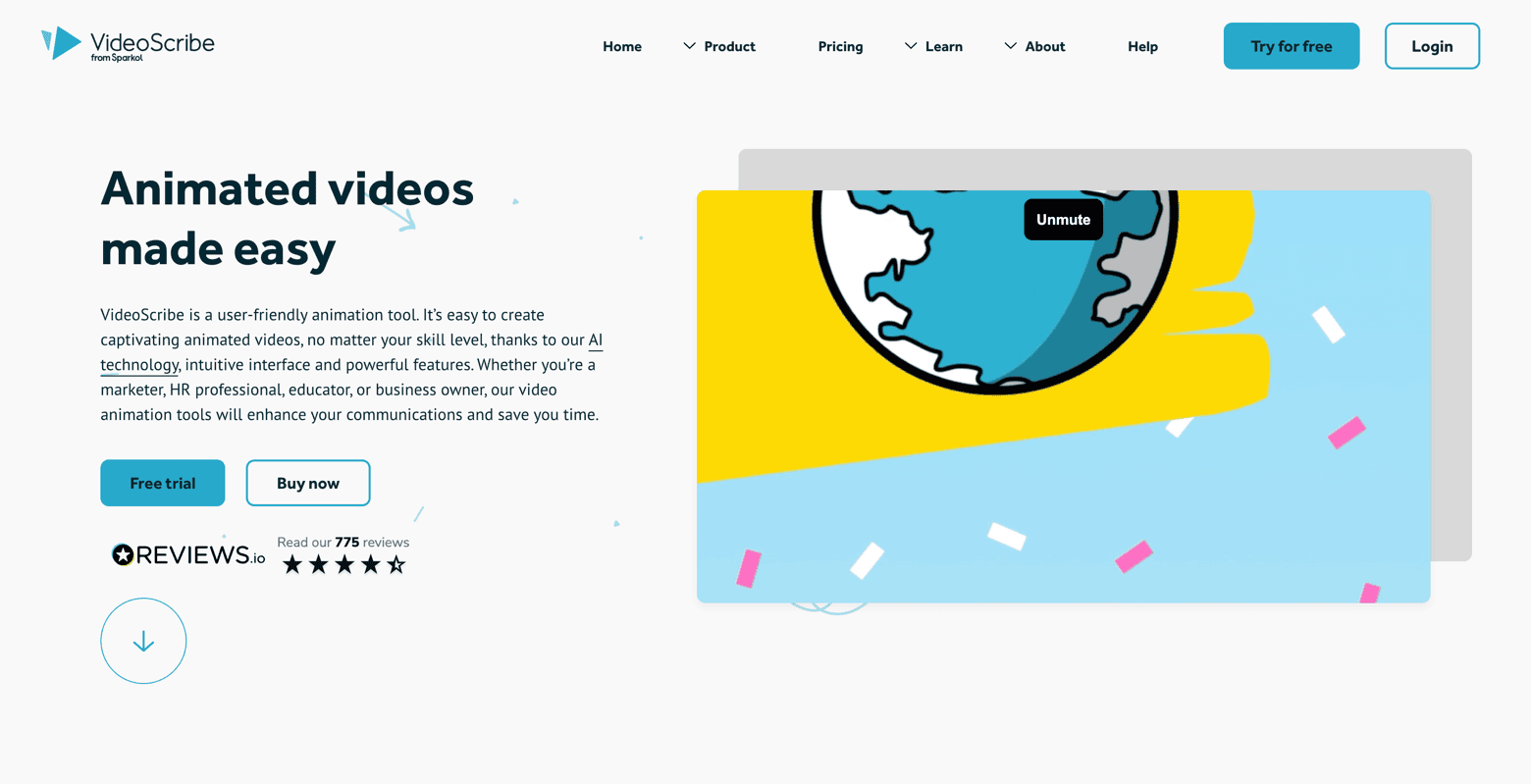
Here’s a video one of my colleagues made on Videoscribe way back in the day:
It’s what’s known as a whiteboard video, which is what Videoscribe specializes in.
What I like about Videoscribe
- Amateur video editing knowledge is sufficient
- If you’re looking for a hand-drawn look, Videoscribe is fairly decent, though you might find their icons slightly dated. You can upload your own SVG or GIF files
- Whiteboard video maker free option available (with watermark)
What Videoscribe could improve
- Videoscribe is for people looking to create whiteboard explainer videos. If you’re in need of more options, you’ll find this software to be limited
- Though they have a fairly large selection of music, I didn’t find any I really liked (but that could just be my taste)
- They don’t have that many templates, and the ones they do feel a bit dated
- No free plan, only a free trial
Videoscribe Pricing
- Lite: $12.50/month
5 videos a month
5 min. video length - Core: $18.75/month
30 videos a month
10 min. video length - Max: $23.33/month
Unlimited videos
30 min. video legnth
Try out Videoscribe for free here.
11. Biteable
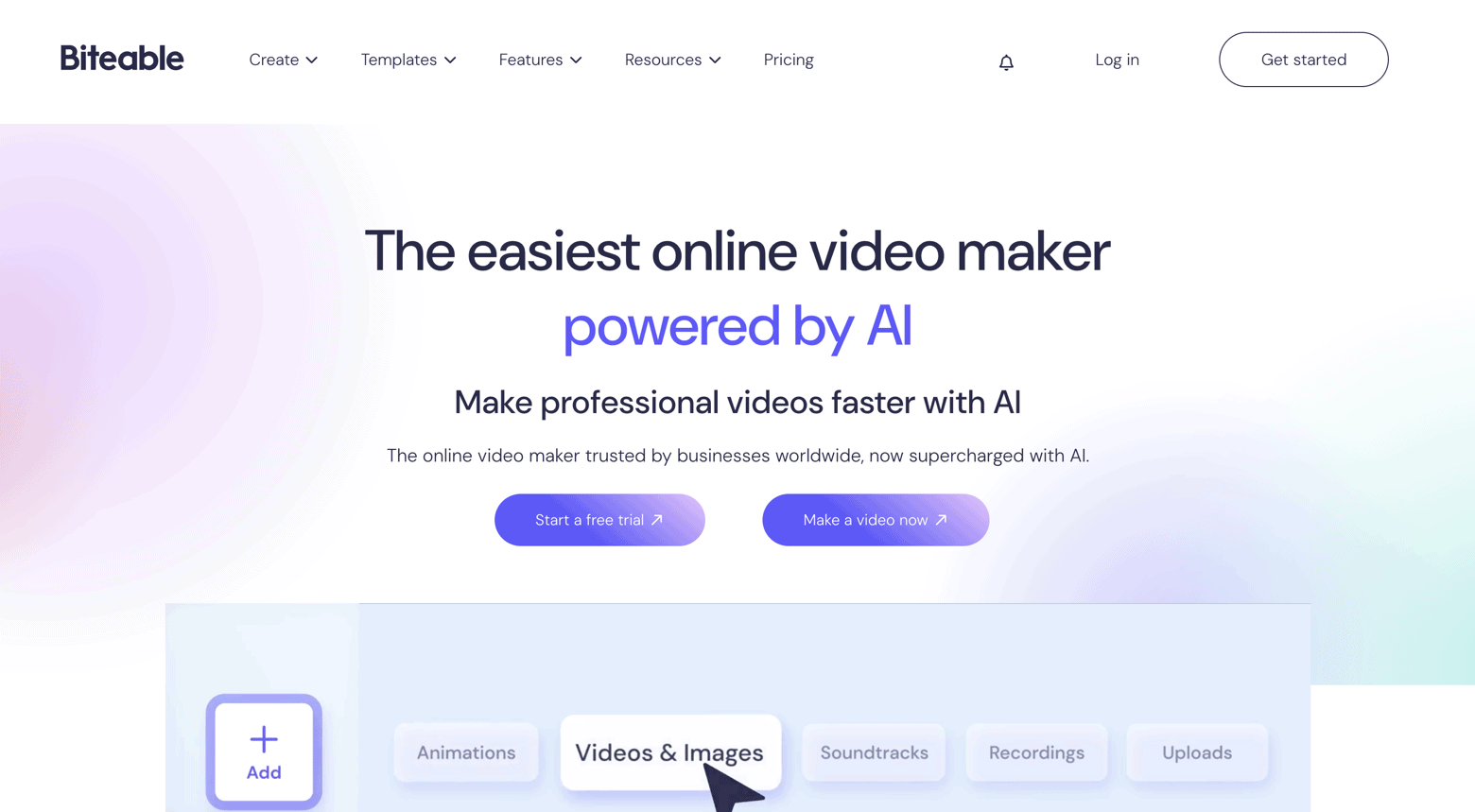
Biteable is apparently used by 5 million marketers, so it must be doing something right. Yes, it’s easy to use, but perhaps too easy. I found it a bit limited when it comes to video editing.
What I liked about Biteable
- If you’re not happy after 14 days they’ll give you a complete refund
- Their prices are very reasonable
- A wide selection of modern, attractive templates
- Connected directly to Shutterstock, which makes it easy to find decent imagery and footage
- If you’d rather follow a template and produce something simple, then Biteable is fine
What Biteable could improve
- Yes, they have a ton of templates and ready-made scenes that you can edit, but it doesn’t really allow you to set up your own from scratch
- The editor doesn’t give you many options aside from changing the font and adding an image – it feels more like your editing an email newsletter than a video
Biteable Pricing
- Pro: $15/month
HD exports
20 avatar clips - Premium: $49/month
4K exports
40 avatar clips
Extra AI tools (captions, translations, etc.)
12. Simpleshow
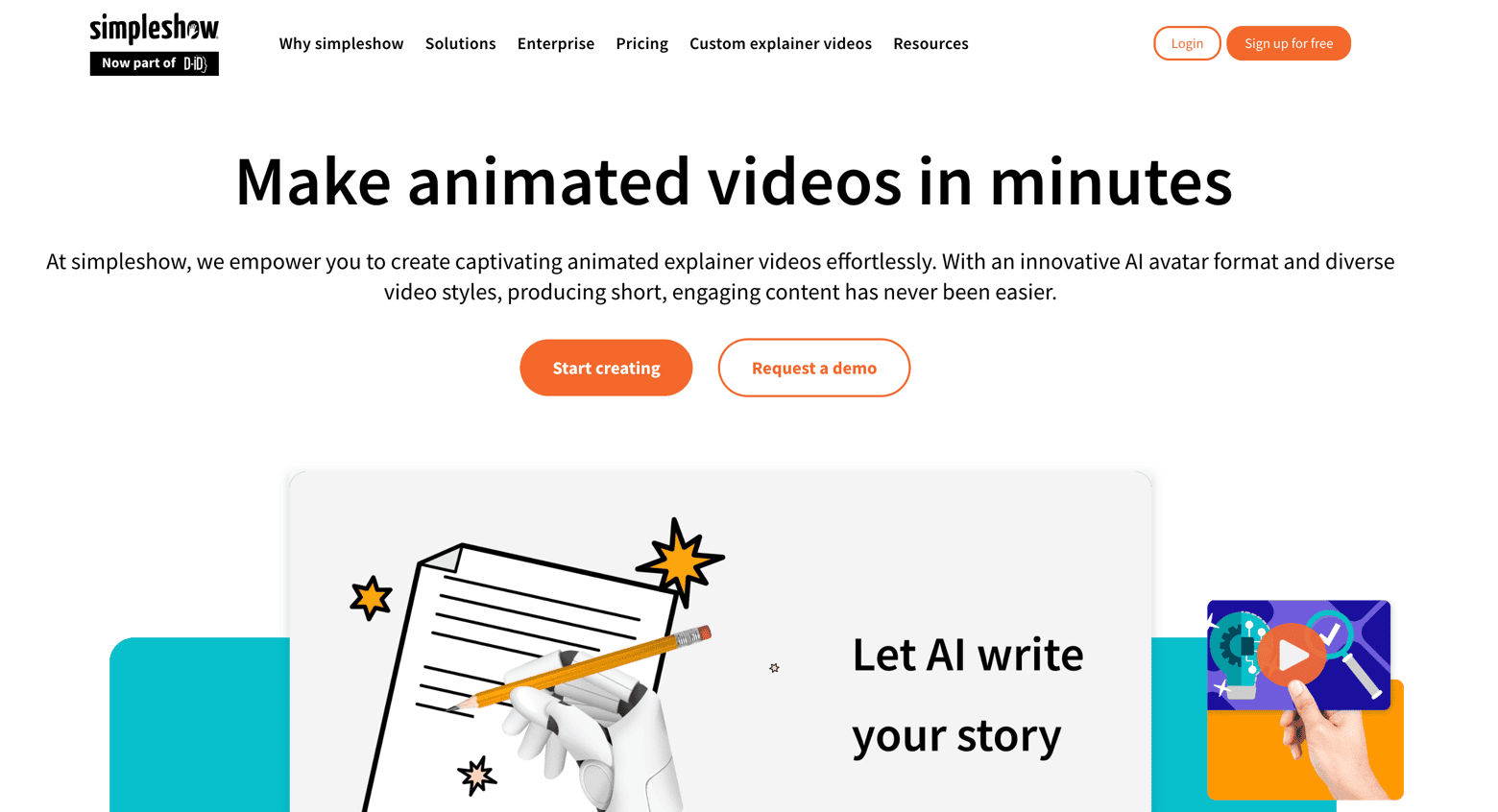
Simpleshow is a good solution for businesses and anyone who wants to create professional explainer videos in just a few minutes. You can either write your video script yourself or let AI generate it for you.
You can even upload existing documents, such as PDFs, images, or videos, which are automatically converted into a video script.
This video explainer software is one of the more expensive solutions I tested, but it does offer something that other tools don’t. Simpleshow breaks down each step, starting with writing the script.
Like Rawshorts, they also process your script and generate a video based on the keywords present. Though it sounds helpful, is it really enough to pick this video tool?
What I liked about Simpleshow
- If you need help writing your script then this feature could be a plus
- Offers a free account for schools and universities
What Simpleshow could improve
- There wasn’t much variety in illustration styles, at least in the free version
- Very small music gallery
- Examples offered are all very samey
- Higher plans are overpriced
Simpleshow Pricing
- Free: $0/month
- Business: $79/month
- Pro: $399/month
Try Simpleshow out for free and test it yourself!
Conclusion: Which Explainer Video Software Should I Choose?
I’d recommend PowToon, InVideo, and Vyond.
These 3 tools have a wide, modern selection of icons, video footage and effects, and their software is easy to use.
Obviously, if you know you’re going to be creating a large number of videos over a long period of time, go for the annual plan and benefit from their generous discounts.
The great thing about InVideo is that you’ll have 60 HD exports/month for free!
Explainer video software to avoid
I would avoid Simpleshow as the options available do not warrant the price. There are much better and cheaper options on this list.
And finally, if you are looking for the best website builder to publish your video creations, make sure to check out our dedicated article.
Please let me know which video explainer software you went for in the comments and how you got on!
The authors
Learn more about us

We keep our content up to date
08 Jan 2026 - General update
04 Jul 2024 - Updated simpleshow
09 Feb 2023 - Veed added
15 Dec 2022 - Badge added
27 Oct 2021 - InVideo prices updated
Apr 19th 2021 - Added Promo.com
Feb 1st 2021 - Added InVideo and Toonly
Sept 14th 2020 - Updated mysimpleshow pricing
April 17th 2020 - Small updates
February 10th 2020 - Powtoon removed the Starter plan and other minor updates
September 25th 2019 - Addition of Renderforest
THE BEHIND THE SCENES OF THIS BLOG
This article has been written and researched following a precise methodology.
Our methodology